IT Financial Maturity Kit
The CFO asks what IT costs, what it is for and why the forecast moved, and most CIOs answer from three spreadsheets that do not agree. This kit gives you the financial management of a well-run IT function: an assessment of where you stand, one cost model that reconciles to the ledger, showback by consumption, a forecast you can defend, and savings that finance can see in the accounts, all filled in for a worked example.
$89 $45 one-time, no subscription
Excel, PowerPoint and Word files. Yours to use and adapt inside your organisation. Delivered by email at once; 14-day refund promise.
13 working files, not a slide pack to read
Every file is editable and comes with a worked example for one fictional company, so you start from something, not from a blank page. Workbooks calculate as you type.
 Excel
IT financial maturity workbook
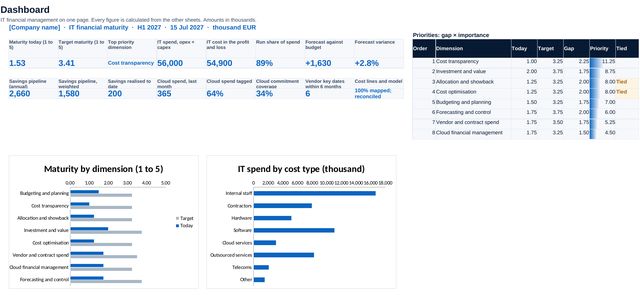
16 sheets that run IT financial management: setup, 32 practices scored across eight dimensions with priorities, a cost model from the ledger with reconciliation checks and the profit and loss view, unit costs, showback by consumption against headcount, budget control with a run rate check, risks and opportunities, the savings pipeline, an investment register, cloud, vendor key dates and a roadmap. A dashboard pulls it together.
 PowerPoint
IT financial maturity assessment
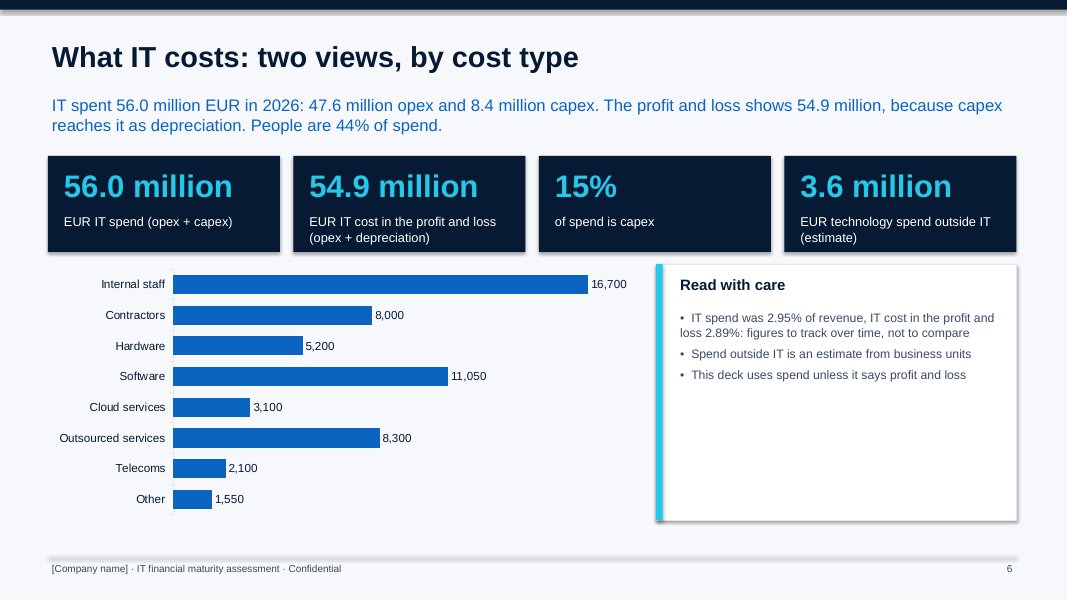
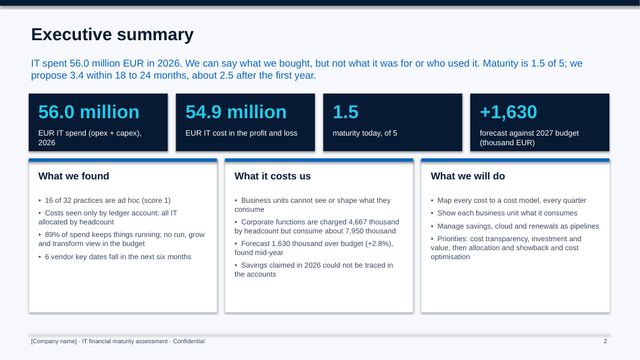
12 slides for the CFO and the executive committee, worked through: maturity by dimension, the weakest practices, what IT costs in two views, run, grow and transform, showback against headcount, unit costs, where to act first and the first twelve months.
 PowerPoint
IT cost and value review
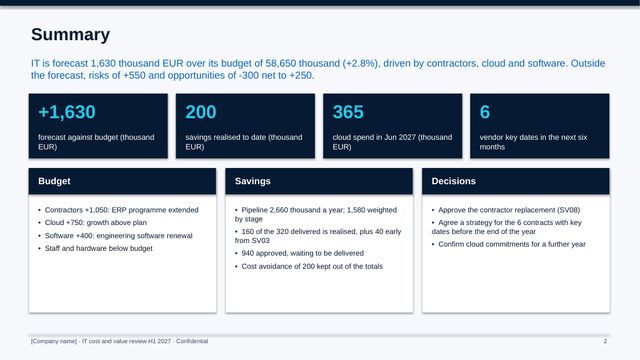
10 slides for the half-year review: budget against forecast, the run rate check, risks and opportunities, showback by business unit, the savings pipeline, cloud and vendor renewals.
 Word
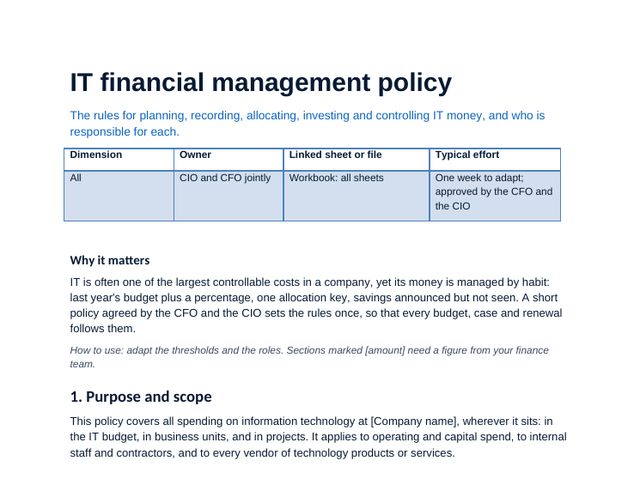
IT financial management policy
Principles, roles, planning and budget, the cost model, showback, investments, savings, vendors and cloud, and the controls.
 Word
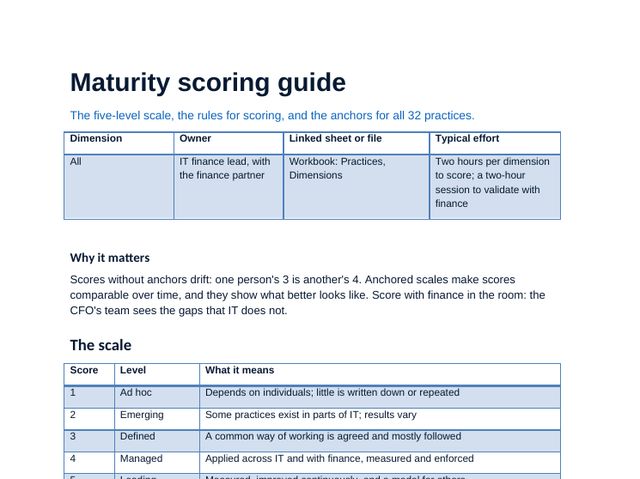
Maturity scoring guide
The five-level scale, scoring rules, how to set targets, and anchors and evidence for all 32 practices.
 Word
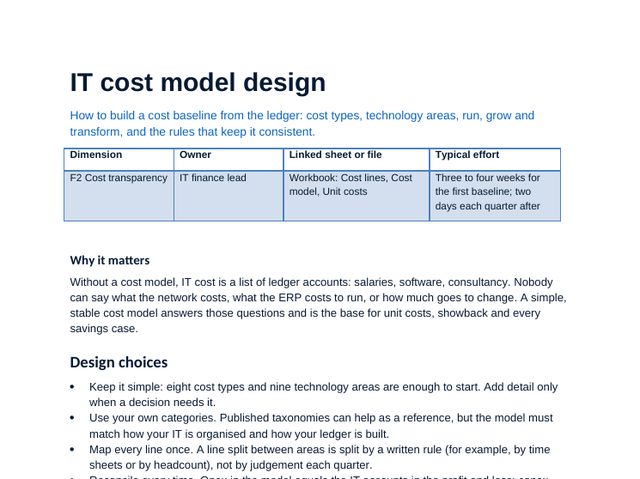
IT cost model design
Cost types, technology areas, run, grow and transform, the two views of IT cost, the first baseline and unit costs.
 Word
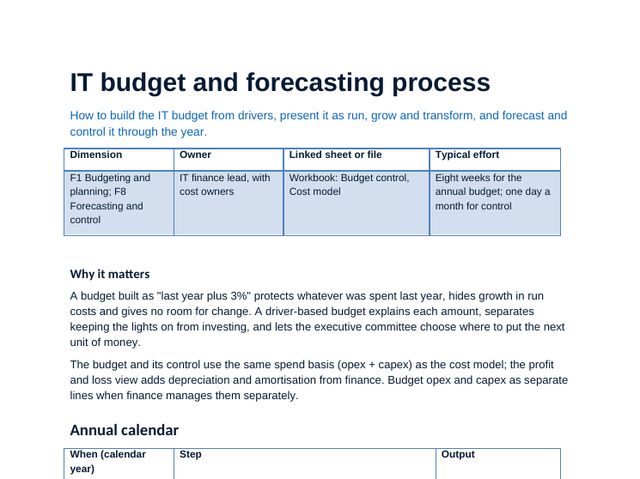
IT budget and forecasting process
The annual calendar, a run budget built from drivers, the monthly forecast and the variance review.
 Word
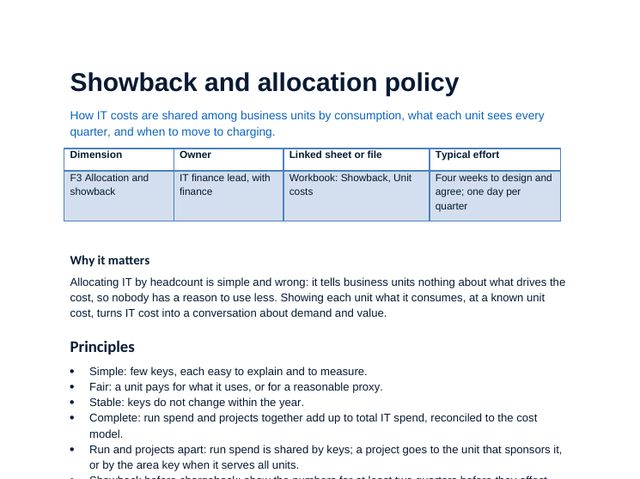
Showback and allocation policy
Allocation keys, what each business unit receives every quarter, when to move to chargeback and how disputes are settled.
 Word
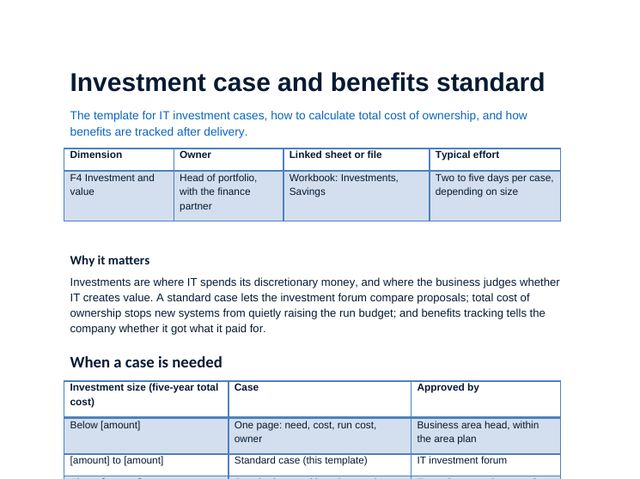
Investment case and benefits standard
When a case is needed, the template, five-year total cost of ownership, benefits tracking and capitalisation.
 Word
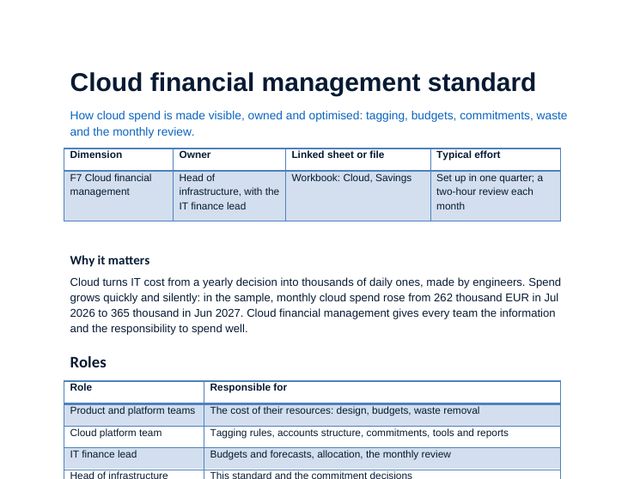
Cloud financial management standard
Roles, tagging, budgets and alerts, commitments, waste and the monthly review.
 Word
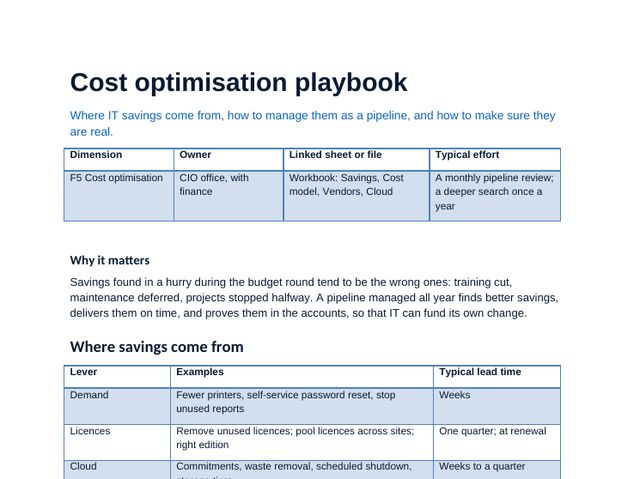
Cost optimisation playbook
Where savings come from, the pipeline by stage, the rules that keep savings real and the savings to avoid.
 Word
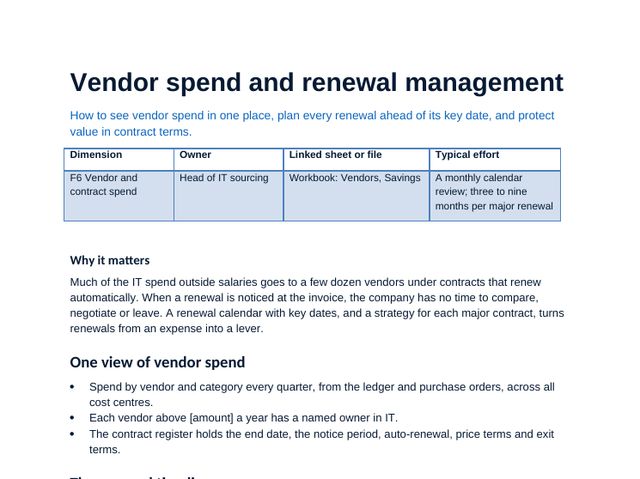
Vendor spend and renewal management
One view of vendor spend, the renewal timeline from key dates, a negotiation checklist and the contract terms that protect value.
 Guide
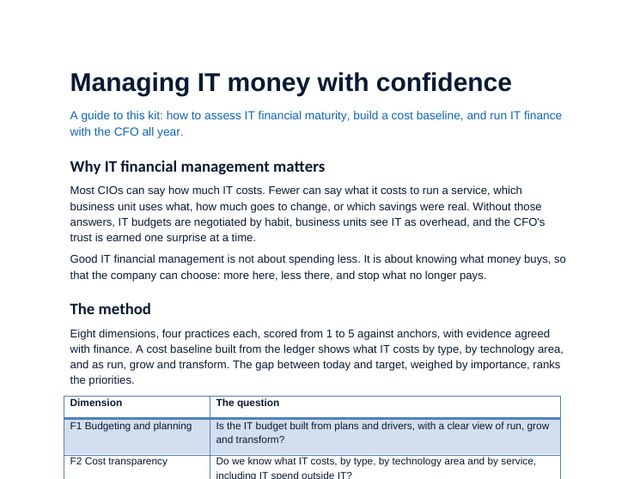
Managing IT money with confidence
Why it matters, the method, six weeks to a first assessment, running it all year and the common mistakes.
IT financial maturity workbook, sheet by sheet
The workbook carries the method: scores, choices and plans calculate as you type, and the dashboard and deck figures come from it. Click any image to see it full size.
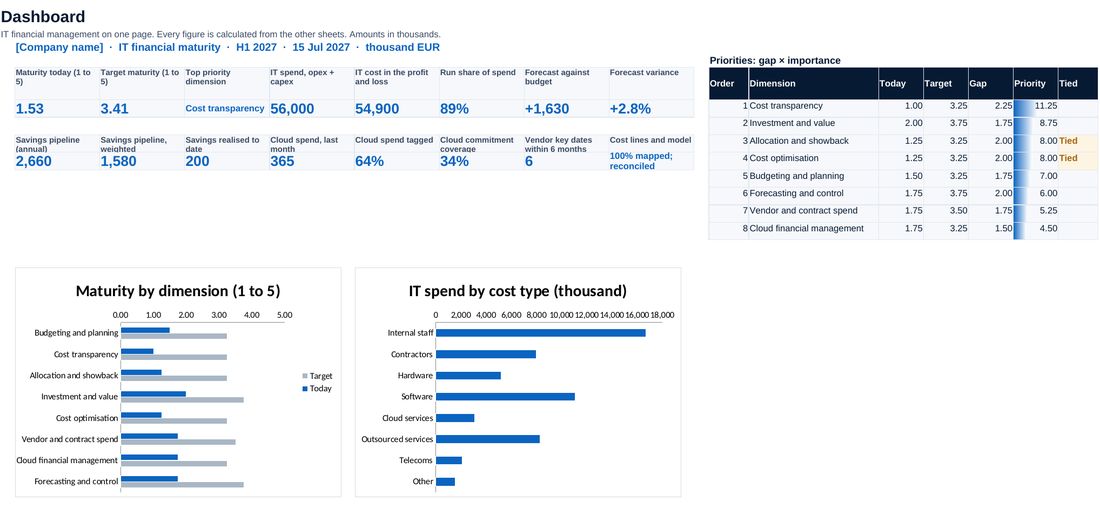
Maturity and priorities, spend in two views, the forecast against budget, savings, cloud, vendor key dates and the reconciliation status.
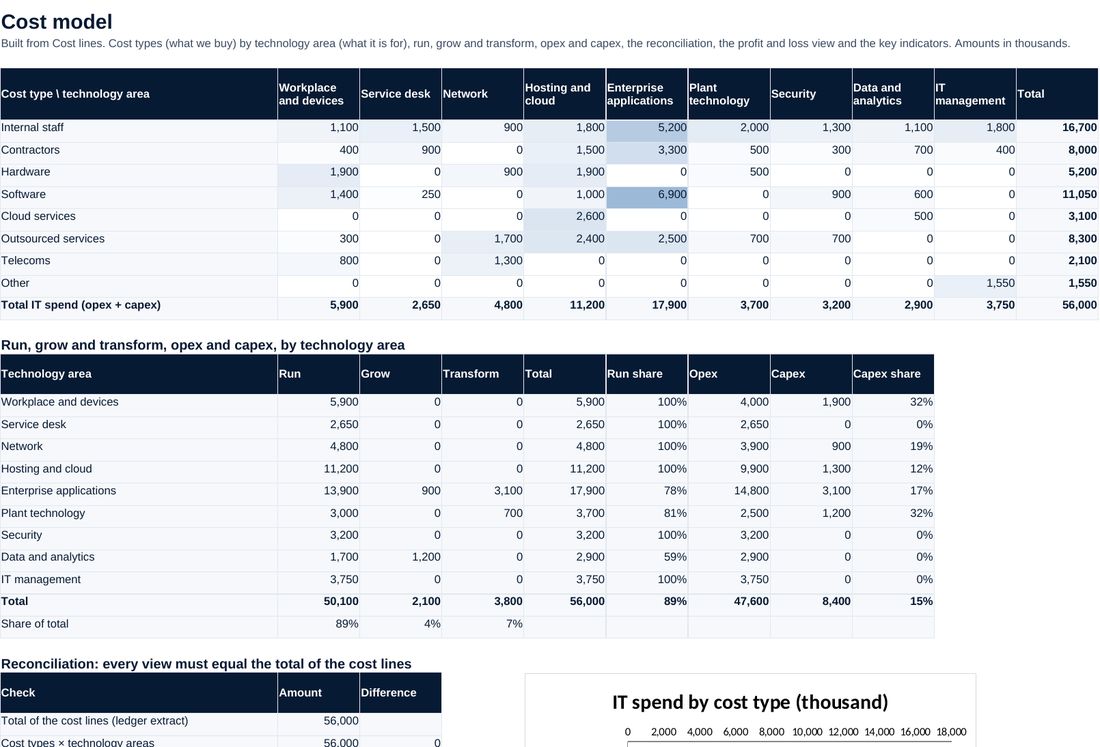
Spend by cost type and technology area, run, grow and transform, reconciled to the ledger, with the profit and loss view.
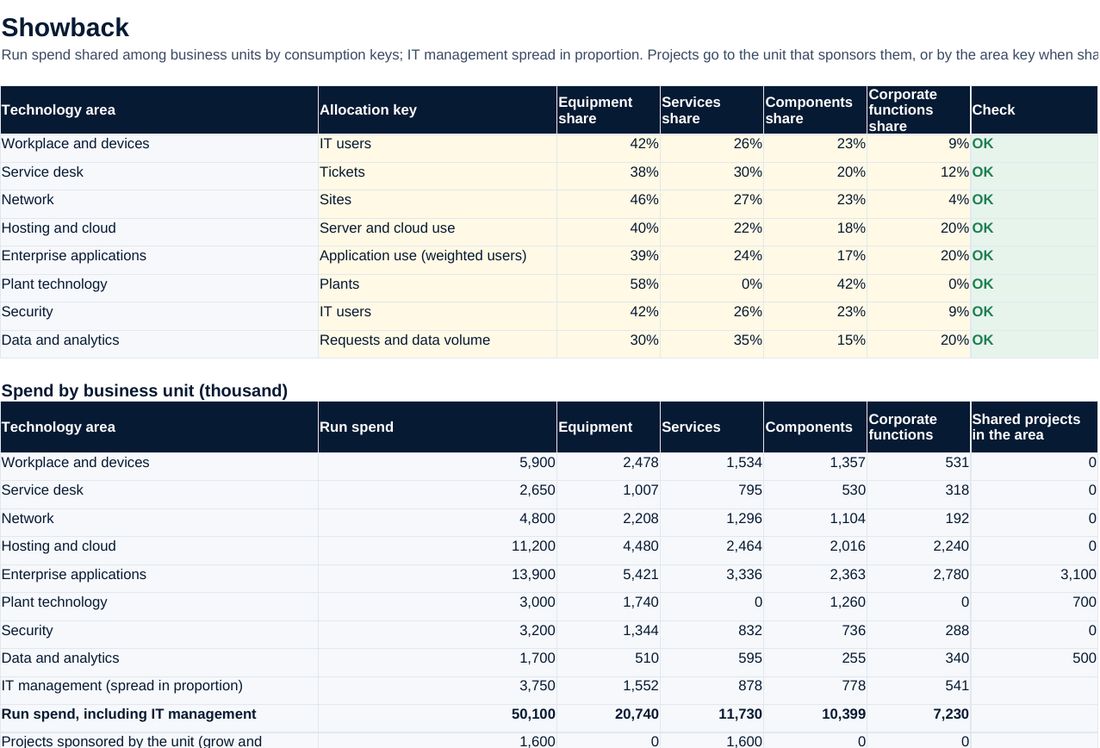
Run spend shared by consumption keys, projects to their sponsors, and the comparison with headcount.
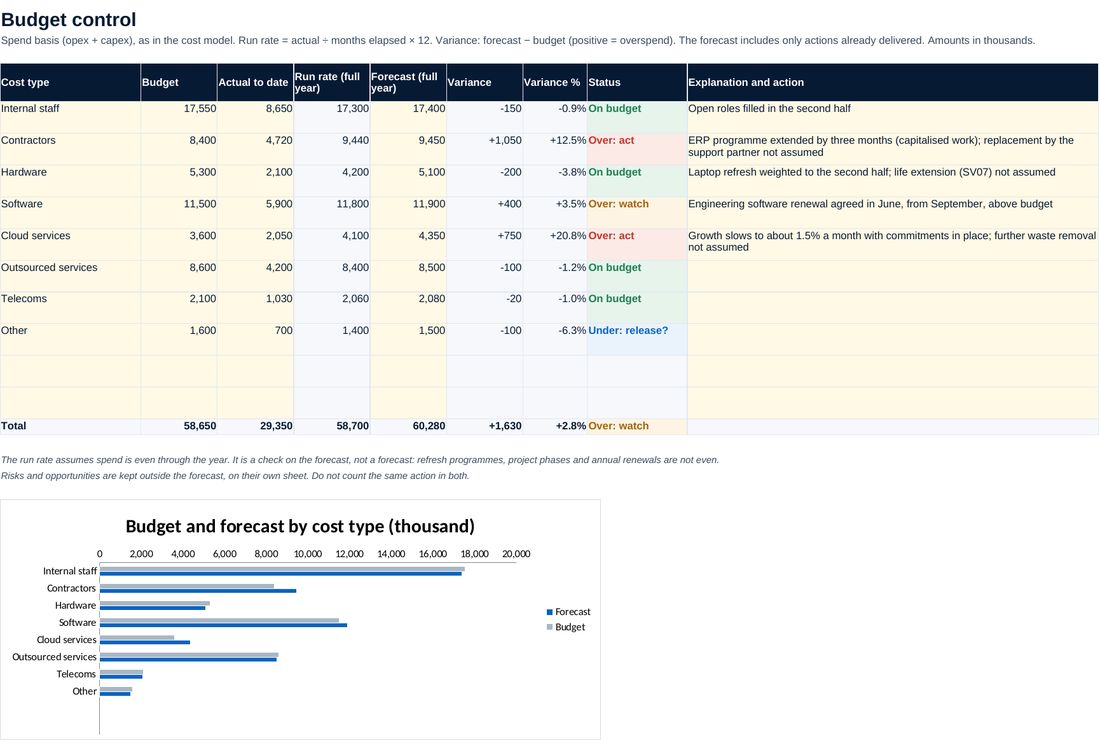
Budget, actual, forecast and variance by cost type, with the run rate check and explanations.
Screenshots of the workbook with its sample data, opened in a spreadsheet application.
Numbers the CFO recognises
Every cost line is mapped once and the model reconciles to the ledger, or says where it does not. Spend and the profit and loss are kept as two named views, so nobody argues about which number is right. Showback shows who uses what; the forecast counts only what is delivered, with risks and opportunities beside it. In the sample, 56 million of spend becomes a clear view by use, a forecast 2.8% over budget explained line by line, and a savings pipeline weighted by stage.
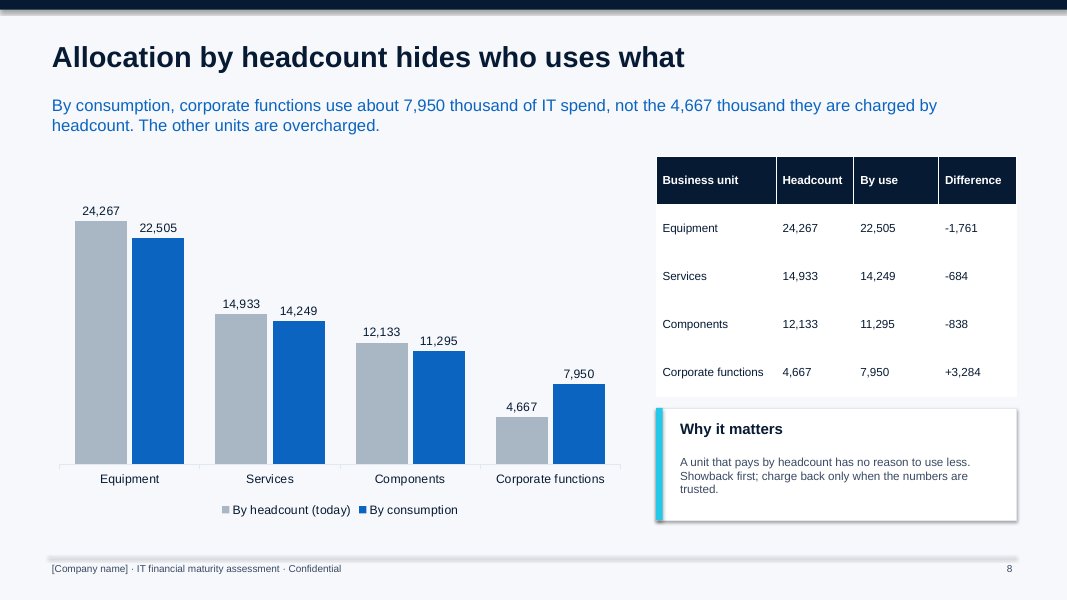
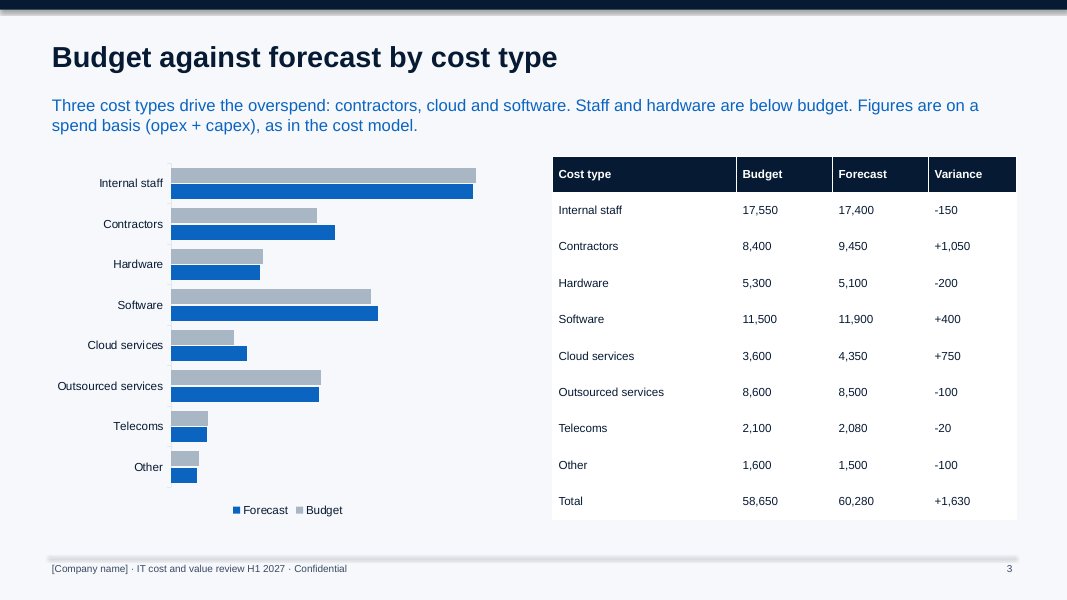
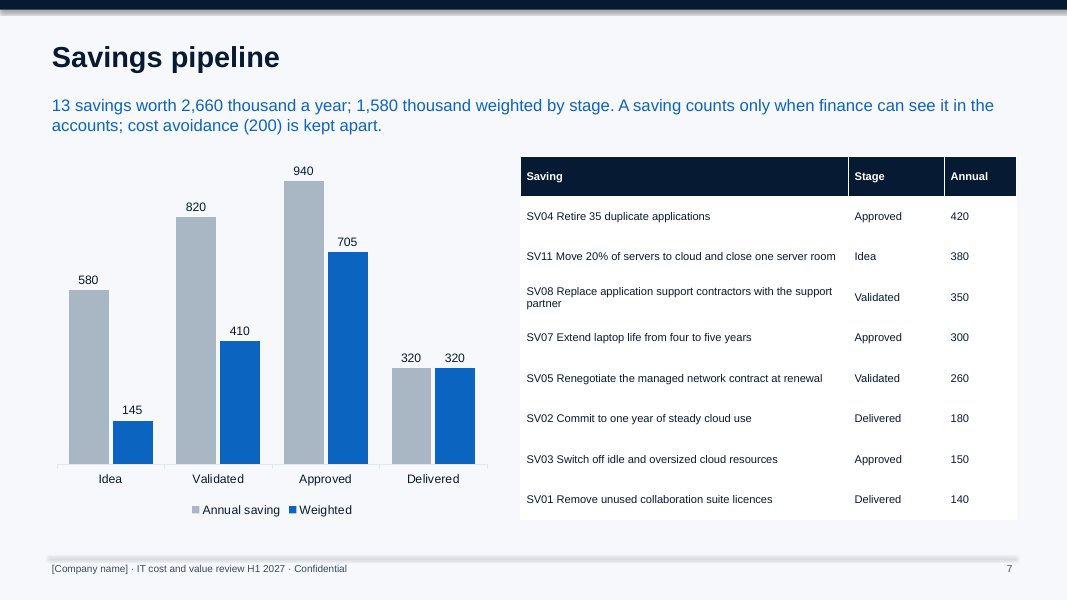
All figures shown are sample data.
The method, step by step
Agree the scope with the CFO, extract the ledger, and collect budgets, contracts, cloud bills and the investment list.
Map every cost line, reconcile to the ledger, and build unit costs and showback by consumption.
Score the 32 practices with evidence, rank the priorities and present the findings and the first twelve months.
Forecast, review variances, track savings and investments, watch cloud and act on vendor key dates.
Who it is for
- CIOs who want to answer the CFO with one set of numbers
- IT finance, IT business management and CIO office leads
- Finance business partners who support IT
- Advisers reviewing IT cost and financial management for a client (one licence per client organisation)
What you need
Excel, PowerPoint and Word, or compatible software, and an extract of IT costs from the ledger. A first assessment takes about six weeks.
Free guide on this topic
Questions about the kit
Do we need a dedicated IT finance tool?
No. The workbook handles up to 2,000 cost lines, which covers most mid-sized companies. When the model is stable and you want monthly automation, the same structure moves into a tool.
Does it follow a recognised cost taxonomy?
The cost types, technology areas and run, grow, transform split are deliberately simple and compatible with common IT cost taxonomies. Rename them to match your own taxonomy before you map the first lines.
Does it replace our accounting policy?
No. The kit separates spend from the profit and loss view and records opex and capex, but capitalisation follows your group accounting policy. Agree it with finance.
Are the company and vendors in the example real?
No. The manufacturer, its business units, Vendor A to O and all figures are fictional. Replace them with your own.
How do I get it?
Checkout is run by Creem, our reseller and merchant of record, which also handles tax and your invoice. As soon as the payment is confirmed we email you a private link to download the kit. Not what you expected? Ask within 14 days for a full refund.
Is it legal or financial advice?
No. The templates are practical starting points for management decisions. Have policies and contracts reviewed against the law that applies to your company.
Who can use it?
You and your colleagues, inside your own organisation. Advisers need one licence per client organisation. Please do not resell or republish it.