IT Operating Model Assessment Kit
Most IT organisations were never designed; they grew, one reorganisation and one acquisition at a time. Regional teams overlap, decisions are taken twice or not at all, and the business sees an order taker. This kit gives you the method to see the operating model as it really is, from evidence and from both sides of the table, and to design the model you need with the decision rights and transition plan to get there, all filled in for a worked example.
$129 $65 one-time, no subscription
Excel, PowerPoint and Word files. Yours to use and adapt inside your organisation. Delivered by email at once; 14-day refund promise.
13 working files, not a slide pack to read
Every file is editable and comes with a worked example for one fictional company, so you start from something, not from a blank page. Workbooks calculate as you type.
 Excel
IT operating model assessment workbook
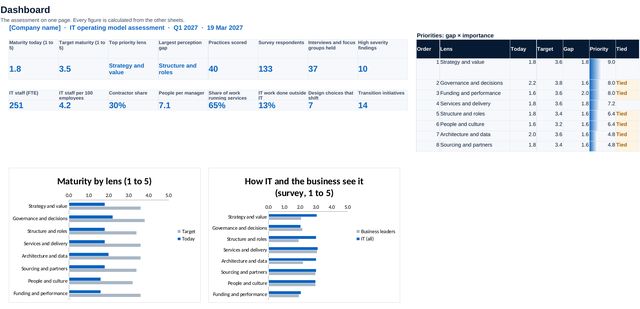
16 sheets that run the assessment: setup with lens importance and targets set before scoring, 40 practices scored today and target with evidence and confidence, results by lens, the stakeholder survey and its results, interview notes, findings, the organisation baseline, eight design choices, the target model, a decision rights matrix with checks, initiatives and measures. A dashboard pulls it together.
 PowerPoint
IT operating model assessment findings
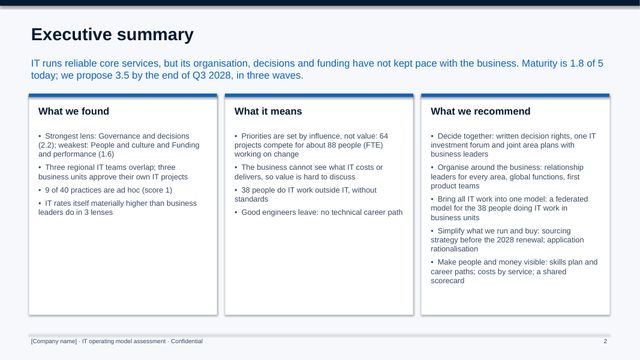
13 slides for the executive committee, worked through: maturity by lens, the weakest practices, how IT and the business see IT differently, what interviews revealed, the IT organisation in numbers, where to act first and five moves.
 PowerPoint
Target IT operating model and transition plan
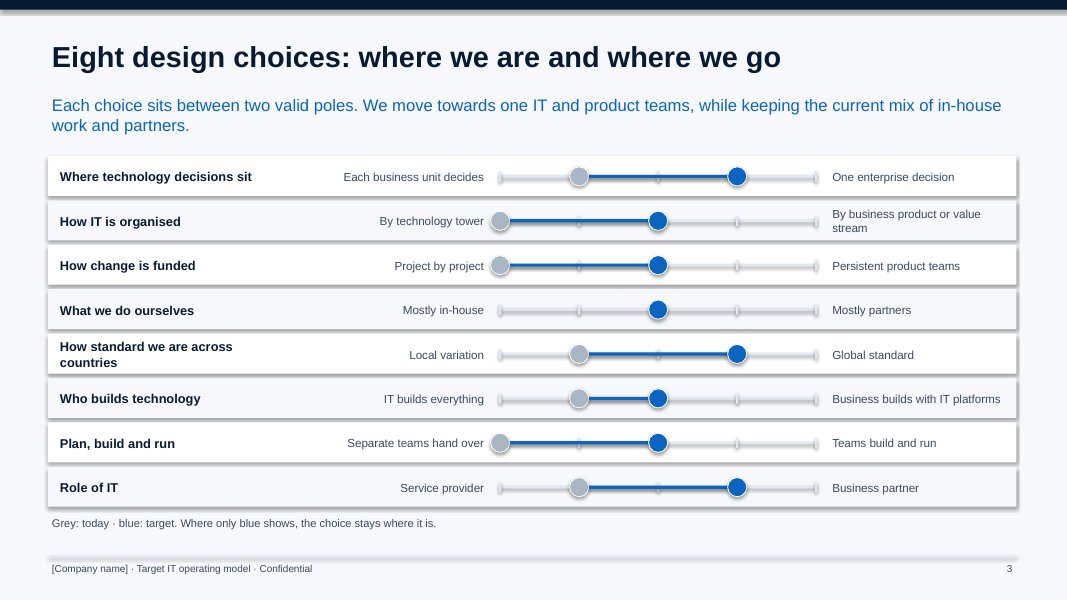
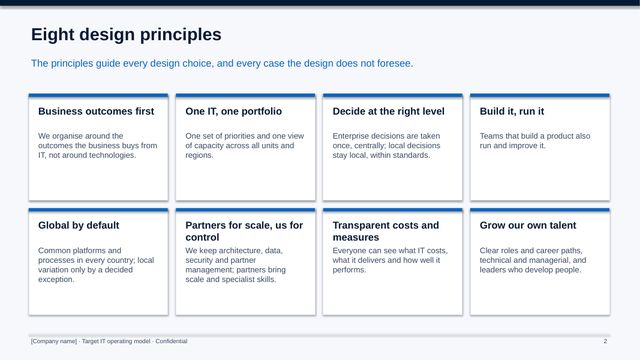
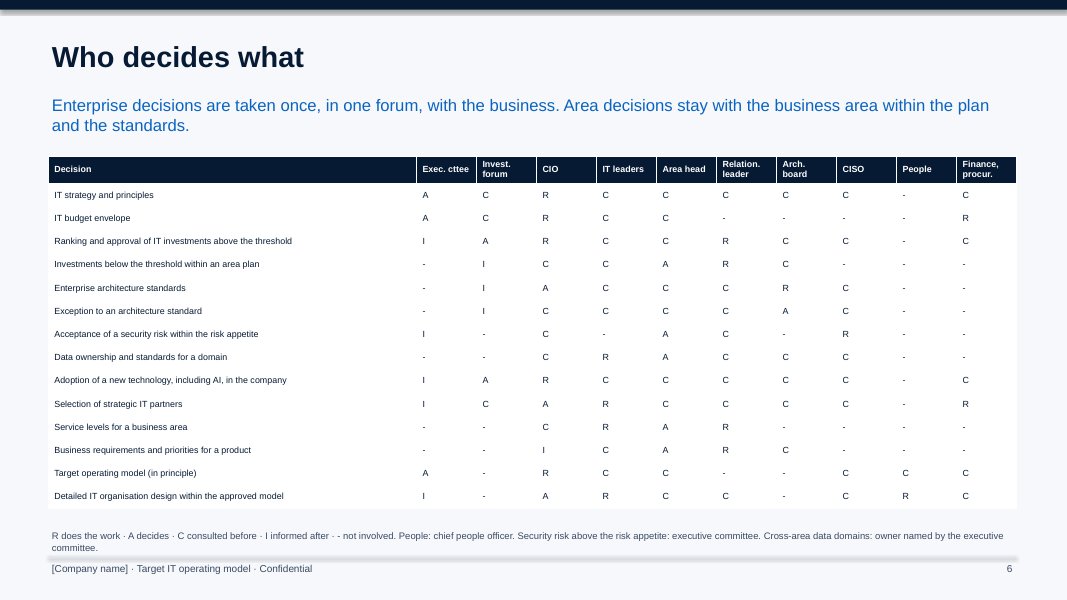
14 slides to agree the target: design principles and choices, the model on a page, structure, who decides what, how work flows, sourcing, people, three waves over six quarters, measures, cost and risks.
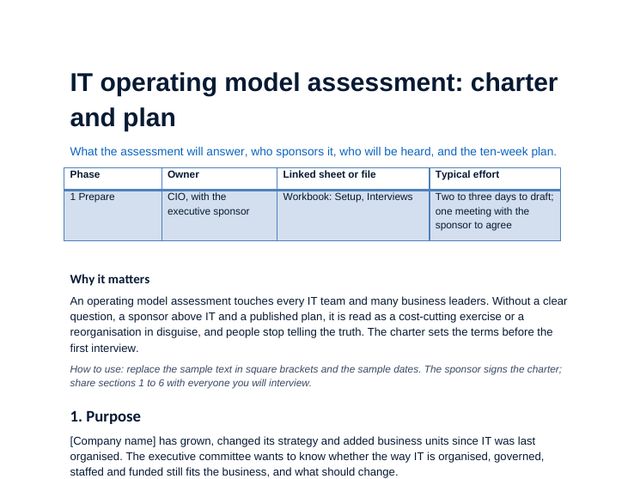 Word
Assessment charter and plan
Purpose, scope, the eight lenses, governance, who you will hear, a ten-week plan, deliverables and the risks to the assessment.
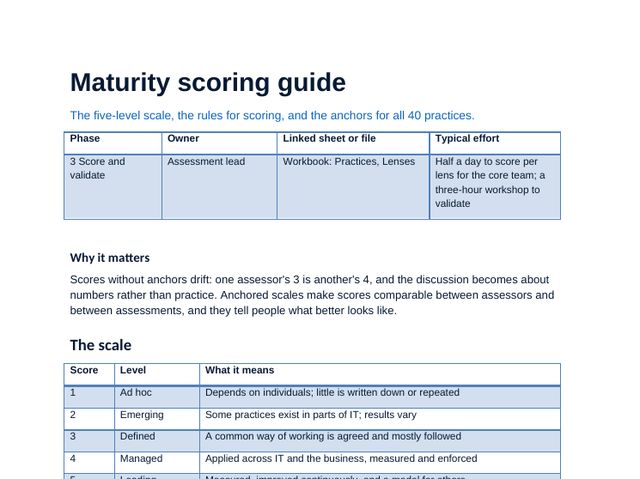 Word
Maturity scoring guide
The five-level scale, scoring rules, how to set targets, the calibration workshop, and anchors and evidence for all 40 practices.
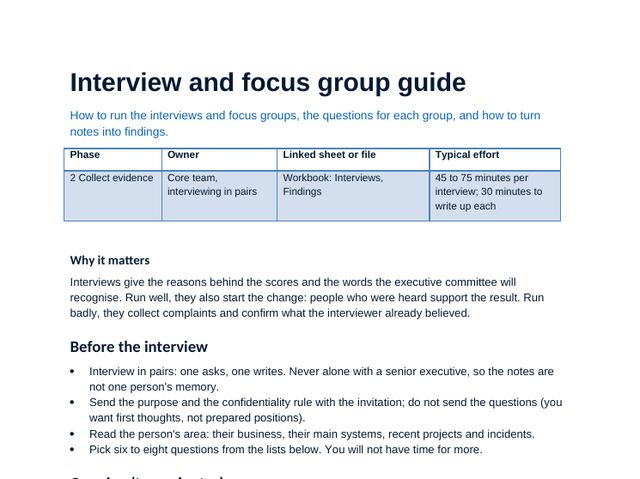 Word
Interview and focus group guide
Questions for executives, business leaders, IT leaders, IT teams and partners, and how to turn notes into findings.
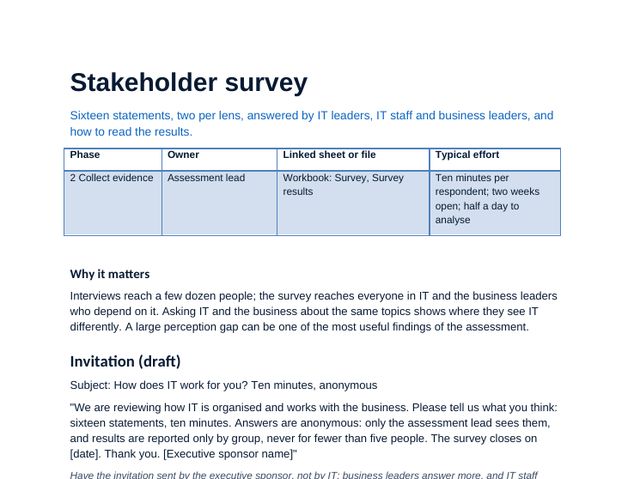 Word
Stakeholder survey
The invitation, 16 statements for IT and the business, two open questions and how to read the results.
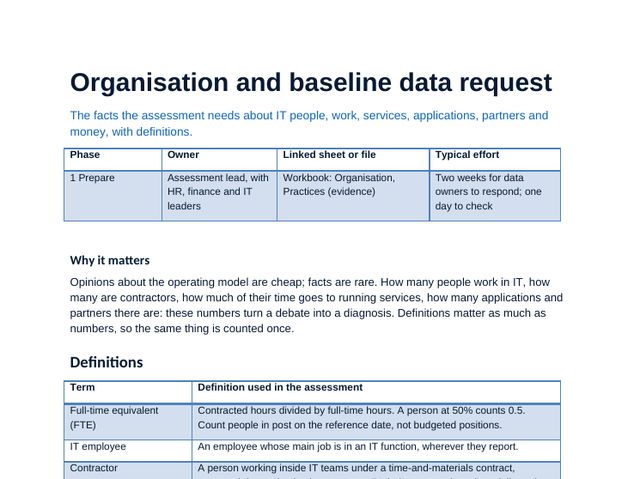 Word
Organisation and baseline data request
The definitions and the data to ask for: people, roles, spans, run and change work, providers and applications.
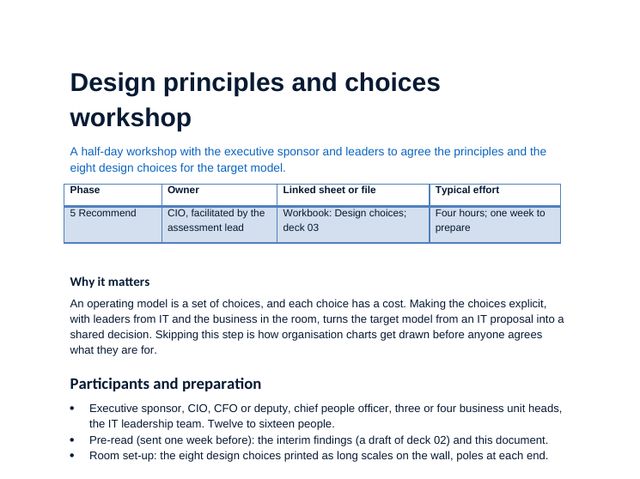 Word
Design principles and choices workshop
A half-day workshop to agree the principles and place the eight design choices, with draft principles to test.
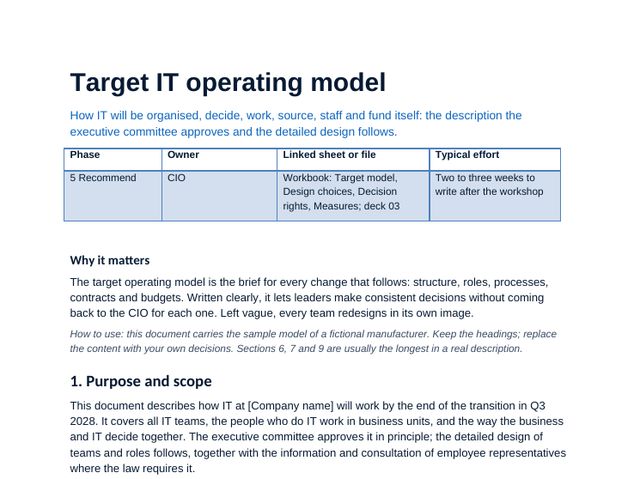 Word
Target IT operating model description
The model in full: principles, choices, structure, new roles, decision rights, how work flows, sourcing, people, funding and what does not change.
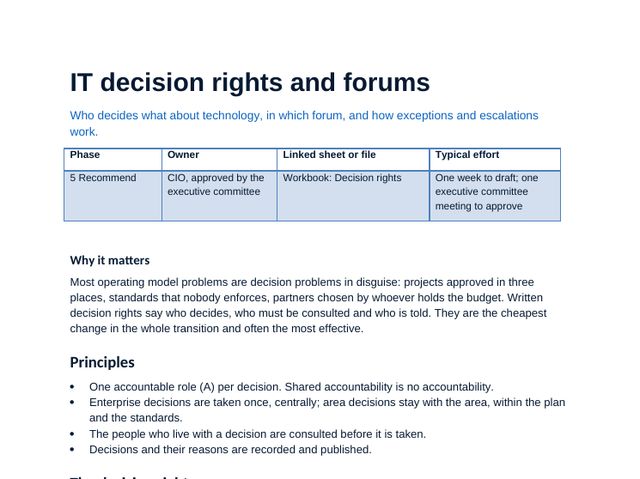 Word
IT decision rights and forums
Who decides what across fourteen decisions, the forums that take them, thresholds and how exceptions are escalated.
 Word
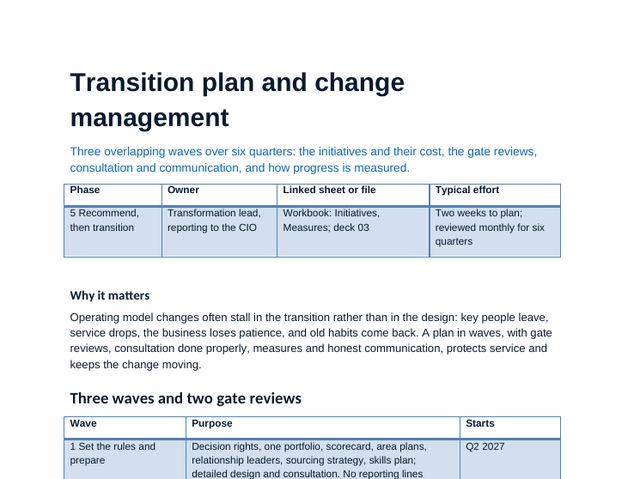
Transition plan and change management
Three waves and two gate reviews, initiatives, consultation with employee representatives, communication, risks and measures.
 Guide
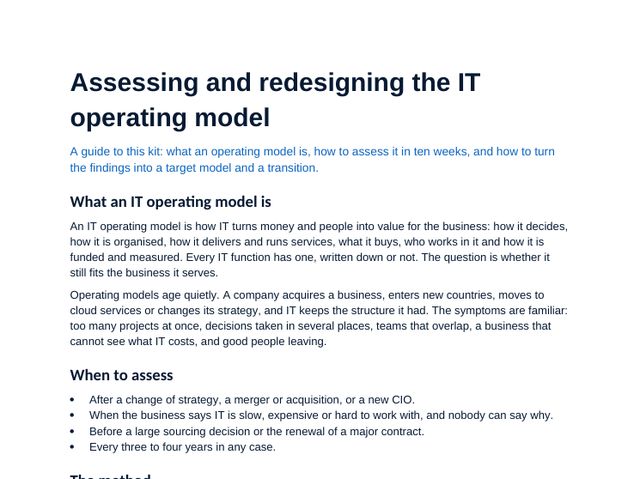
Assessing and redesigning the IT operating model
What an operating model is, when to assess it, the method week by week, scoring with discipline and the common mistakes.
IT operating model assessment workbook, sheet by sheet
The workbook carries the method: scores, choices and plans calculate as you type, and the dashboard and deck figures come from it. Click any image to see it full size.
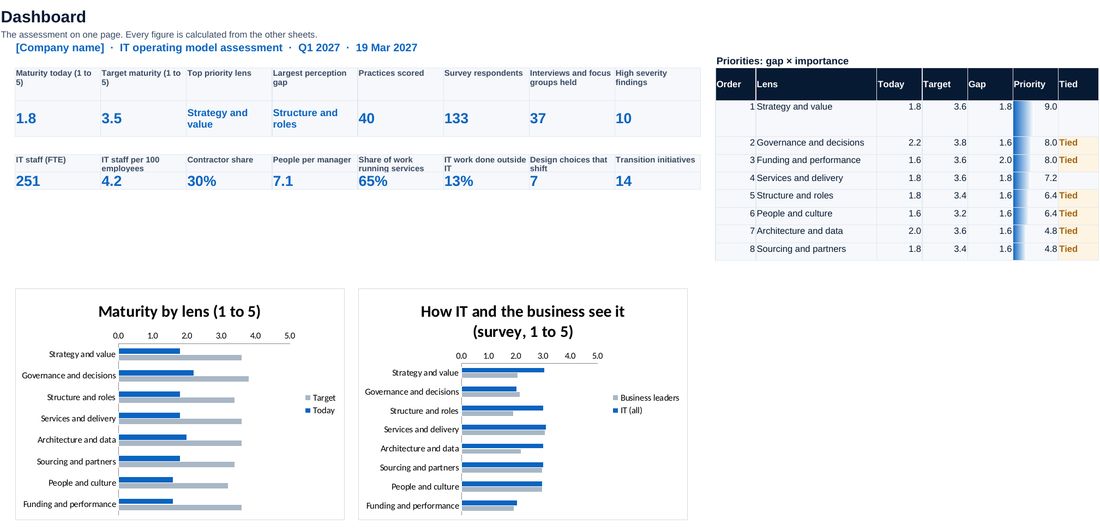
Maturity today and target, the top priorities, survey gaps, the organisation baseline and the transition.
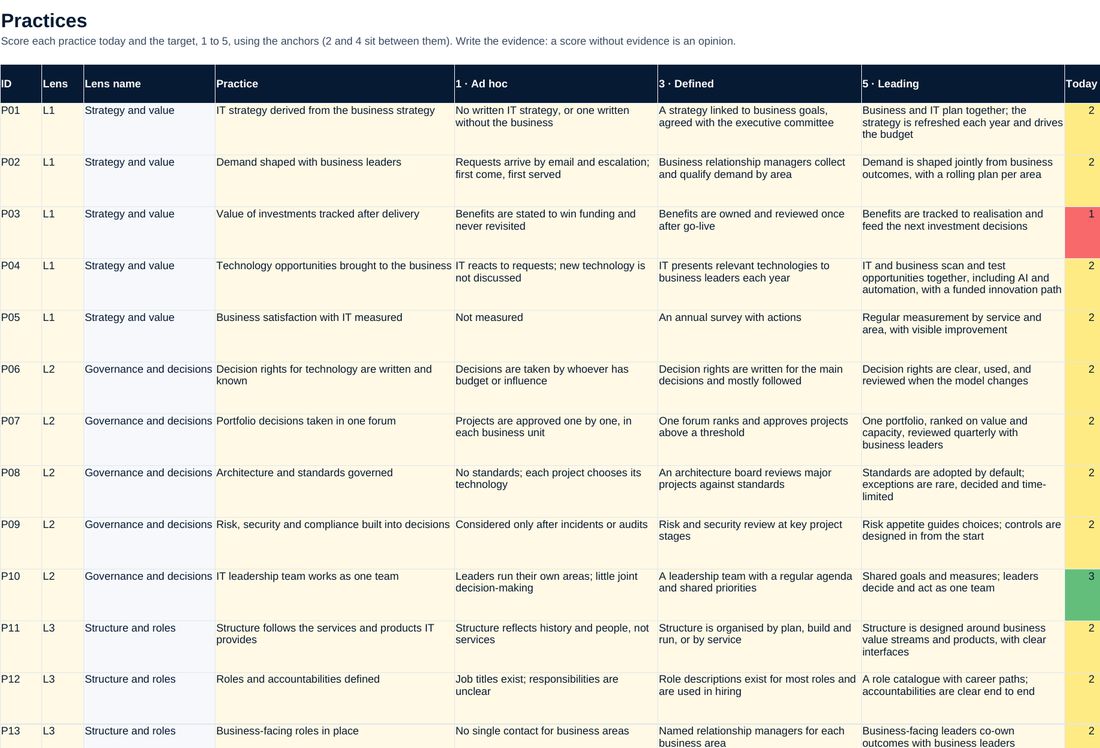
40 practices scored today and target, with evidence, confidence and risk flags.
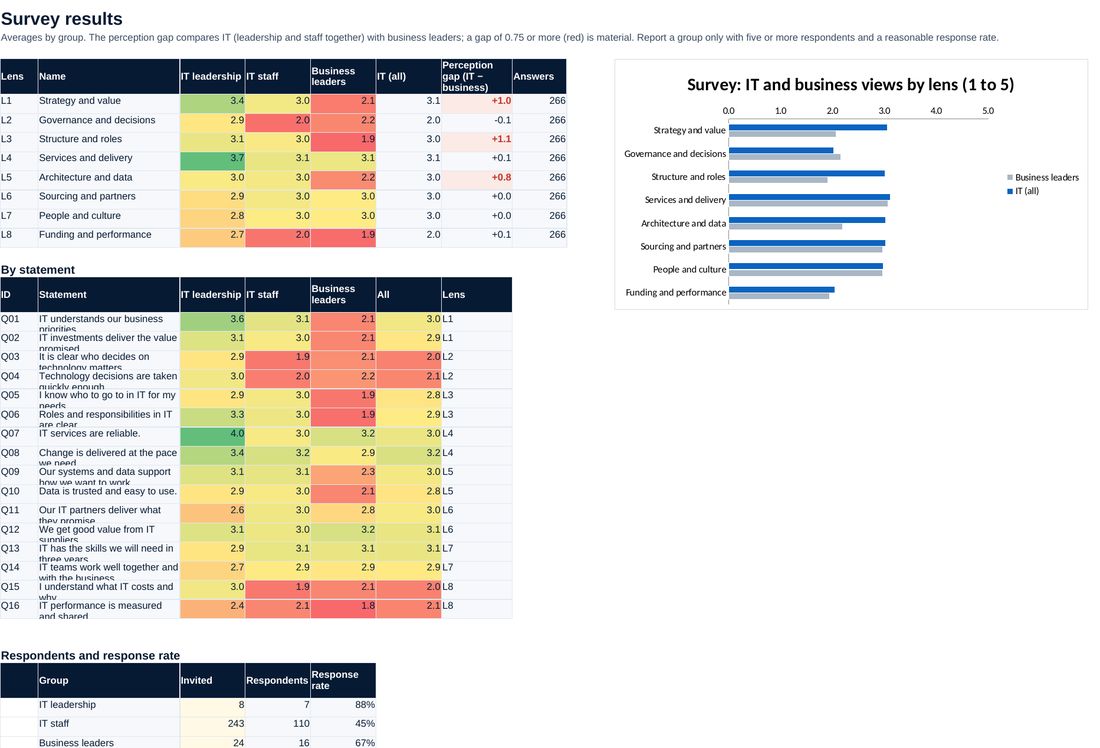
How IT and the business rate each lens, and where their views differ most.
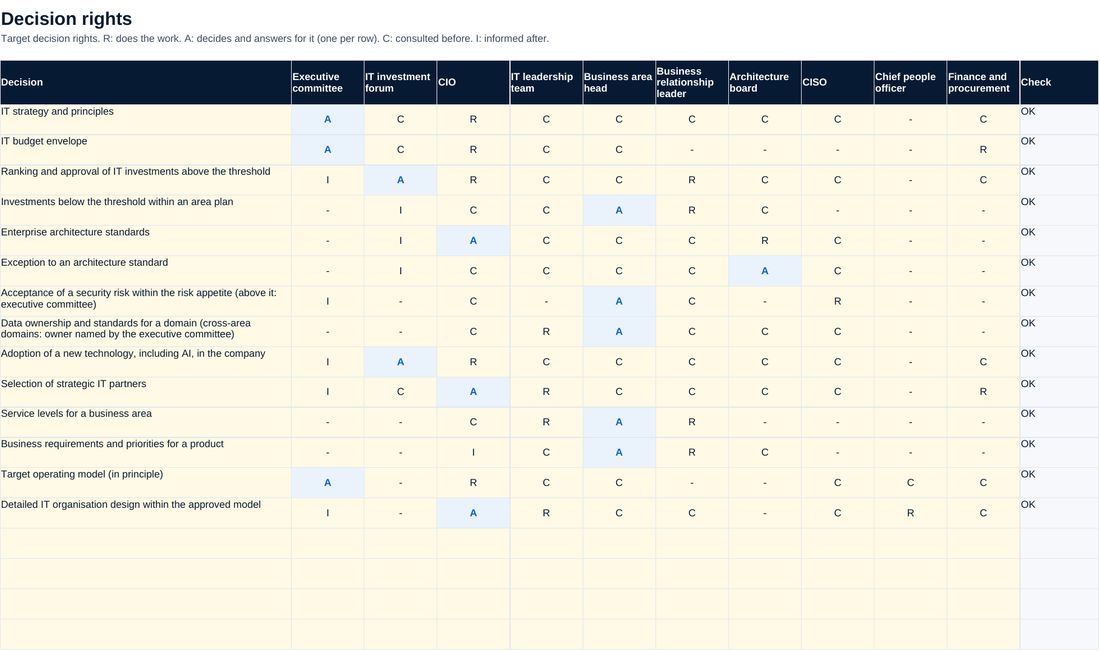
Who decides what, with one accountable role per decision checked.
Screenshots of the workbook with its sample data, opened in a spreadsheet application.
A redesign built on evidence, not on the last reorganisation
Every practice is scored against anchors, with its evidence and a confidence level, and checked against interviews and a survey of IT and the business. Importance and targets are set before the scores are known, so the ranking is not bent to fit a preferred answer. In the sample, a gap between how IT and the business see IT becomes five moves, fourteen decision rights and three waves, each with an owner and a measure.
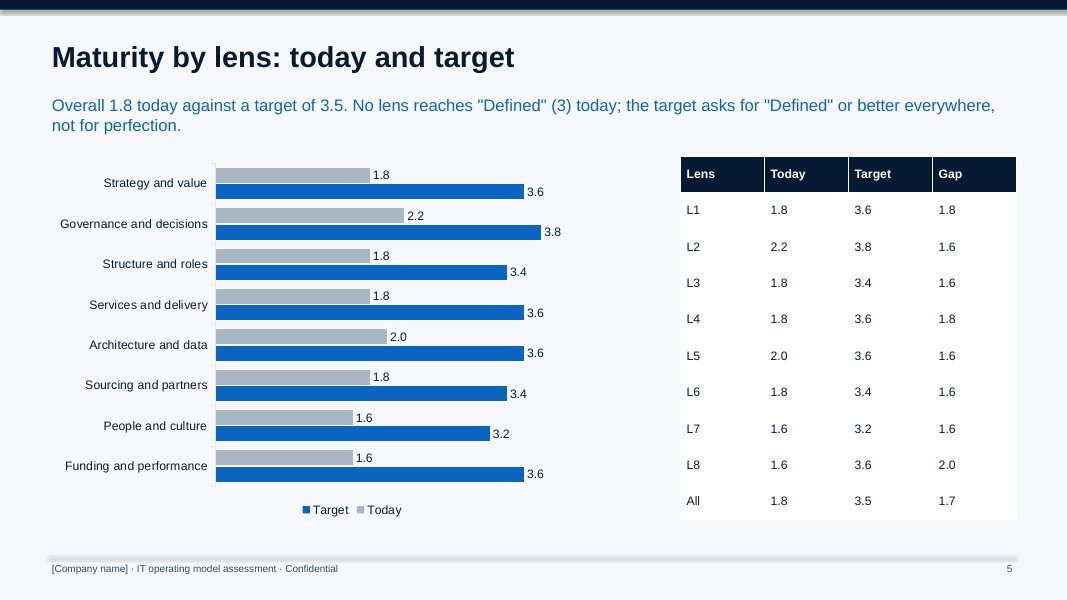
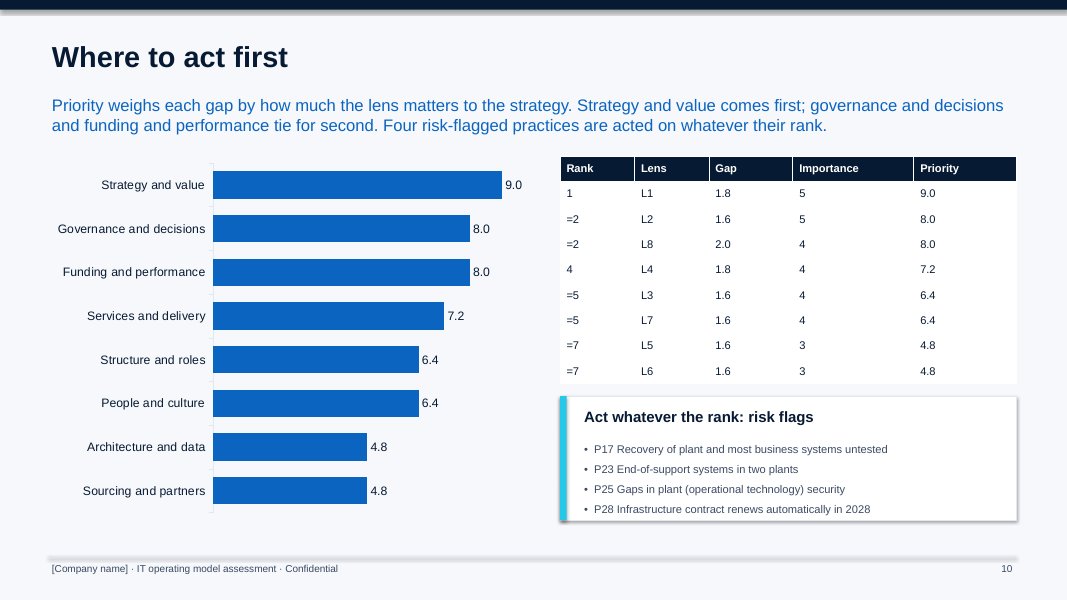
All figures shown are sample data.
The method, step by step
Agree the scope, the sponsor, the importance and target of each lens, and send the data request.
Run interviews, focus groups and the survey, score the 40 practices with evidence and calibrate the scores.
Turn the evidence into findings, rank the gaps and present them to the executive committee.
Agree the principles and design choices, the target model, decision rights and a transition plan in waves.
Who it is for
- CIOs who feel the IT organisation no longer fits the business
- New CIOs who need an evidence-based view before they change the structure
- IT strategy, transformation and CIO office leads preparing a redesign
- Advisers running an operating model review for a client (one licence per client organisation)
What you need
Excel, PowerPoint and Word, or compatible software. The assessment and design take about ten weeks; the transition six quarters.
Free guide on this topic
Questions about the kit
Is this only about the organisation chart?
No. Structure is one of eight lenses. The others cover strategy and value, governance and decisions, services and delivery, architecture and data, sourcing, people and culture, and funding and performance. Most problems blamed on structure start in decision rights or funding.
Do we have to centralise IT?
No. The kit sets out eight design choices, each between two valid poles. The worked example moves towards one IT and product teams because that fits its strategy; your choices may differ.
What about employee representatives and consultation?
The transition plan changes no reporting lines in wave 1 and waits for consultation before the structure changes. Follow the law and agreements that apply in each country.
Is the company in the example real?
No. The manufacturer, its people, interviews, survey answers and providers are fictional. Replace them with your own.
How do I get it?
Checkout is run by Creem, our reseller and merchant of record, which also handles tax and your invoice. As soon as the payment is confirmed we email you a private link to download the kit. Not what you expected? Ask within 14 days for a full refund.
Is it legal or financial advice?
No. The templates are practical starting points for management decisions. Have policies and contracts reviewed against the law that applies to your company.
Who can use it?
You and your colleagues, inside your own organisation. Advisers need one licence per client organisation. Please do not resell or republish it.