IT Steering Committee Toolkit
Most IT steering committees are status meetings: projects present updates, papers arrive late without options and decisions are deferred. This kit resets the committee so that it decides: a mandate and thresholds, papers that pass six tests, decisions recorded with owners and dates, portfolio status set by rules, and a yearly review of the committee itself, all filled in for a worked example.
$89 $45 one-time, no subscription
Excel, PowerPoint and Word files. Yours to use and adapt inside your organisation. Delivered by email at once; 14-day refund promise.
13 working files, not a slide pack to read
Every file is editable and comes with a worked example for one fictional company, so you start from something, not from a blank page. Workbooks calculate as you type.
 Excel
IT steering committee workbook
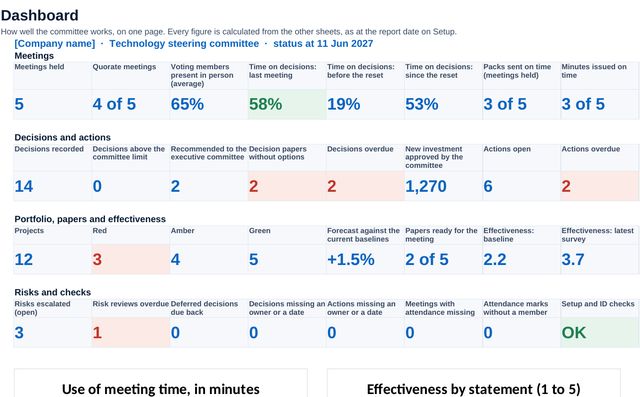
12 sheets: setup with members, thresholds, quorum rules and checks; the meeting calendar with pack and minutes deadlines, quorum and the use of meeting time; attendance; the forward plan; paper readiness with the route and six tests; the decision and action logs; the portfolio with status set by rules against the current baseline; the risks above the appetite; and an anonymous effectiveness survey. A dashboard pulls it together.
 PowerPoint
Committee reset proposal
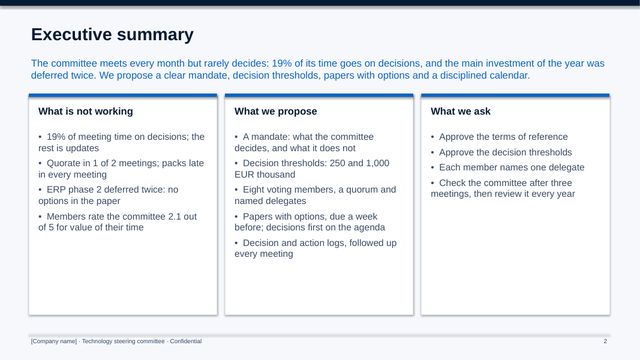
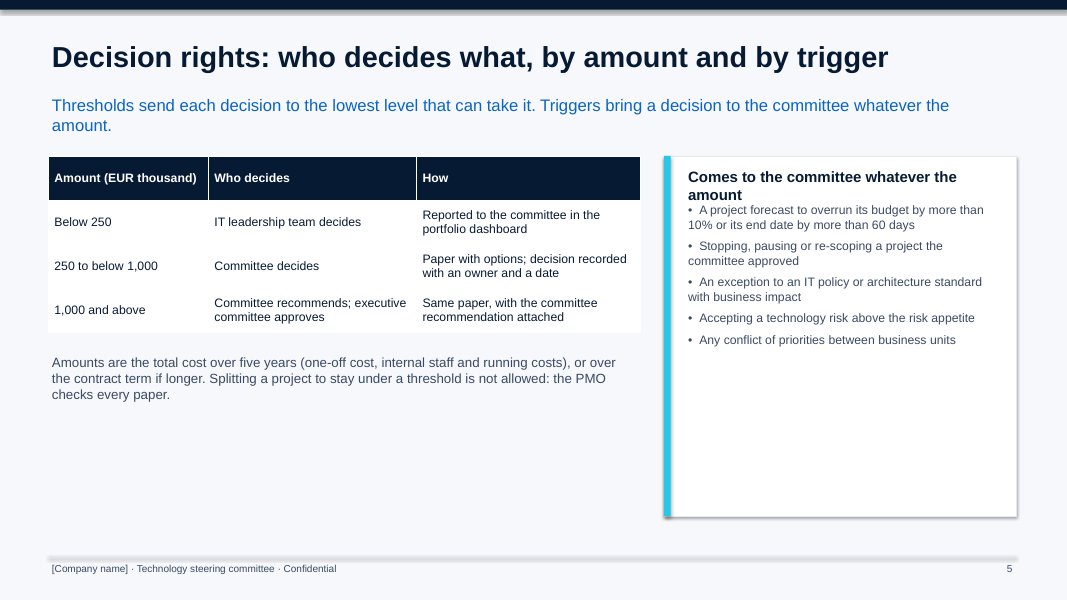
11 slides for the executive committee: what is not working, the mandate, decision rights and thresholds, membership and quorum, the meeting cycle, the annual plan, the paper tests and the measures.
 PowerPoint
Committee pack (monthly)
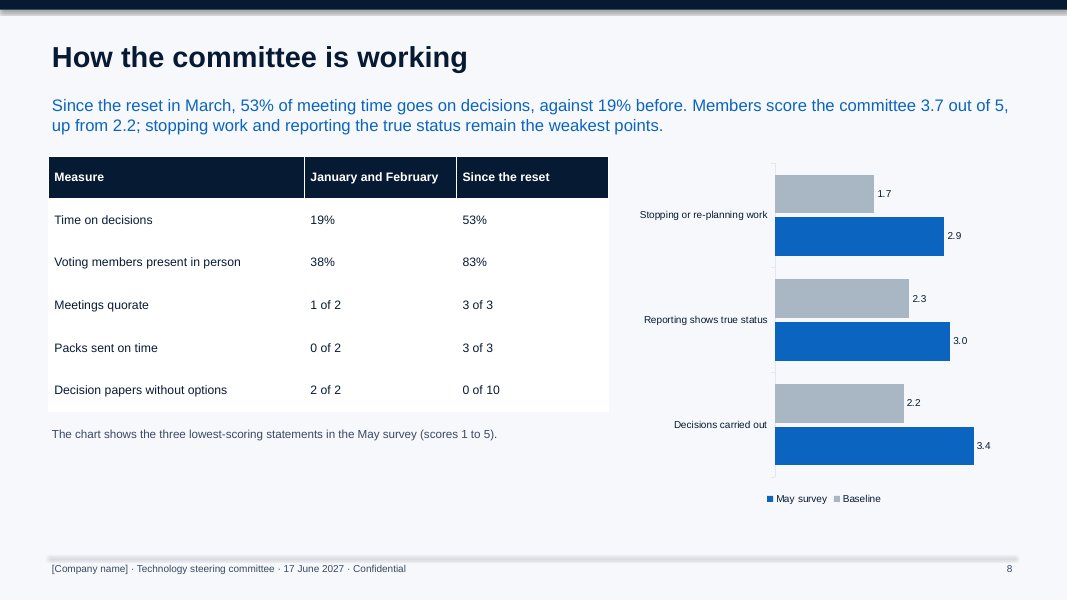
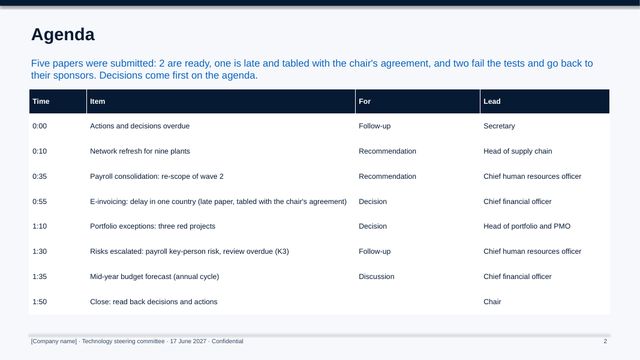
10 slides of a worked monthly pack: agenda, decisions requested, a decision paper with options, the portfolio, red projects with the decision asked, follow-up, how the committee is working and the next meetings.
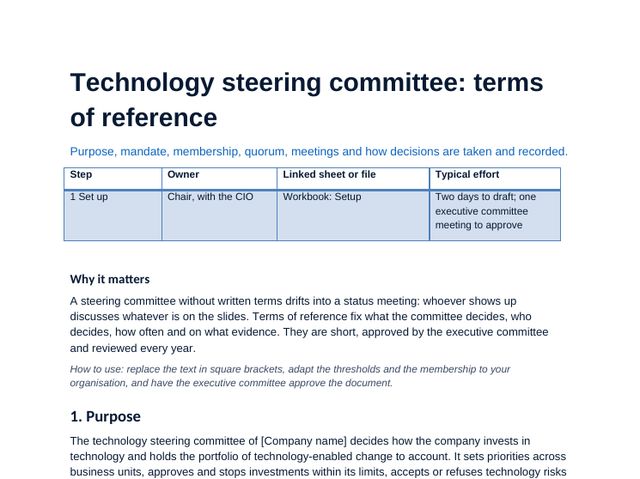 Word
Terms of reference
Purpose, mandate, membership, quorum, urgent decisions, meetings and papers, risk and compliance, reporting and review.
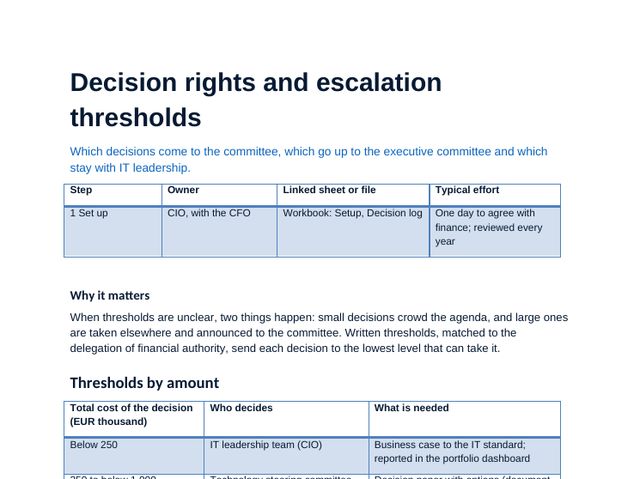 Word
Decision rights and escalation thresholds
Who decides by amount and by trigger, what the committee does not decide, and the escalation path.
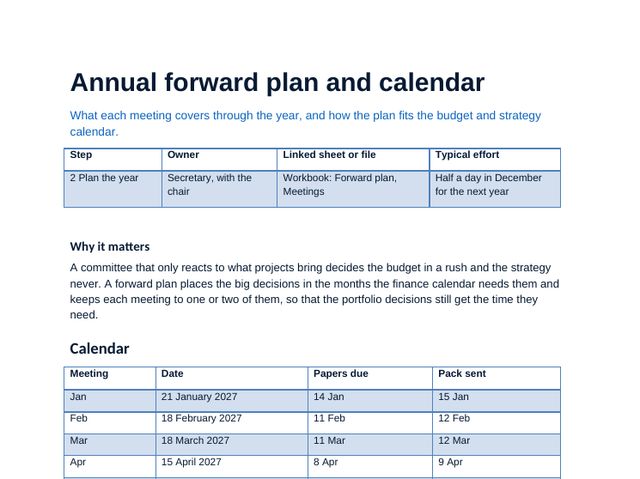 Word
Annual forward plan and calendar
The calendar with deadlines, the standing items and the annual cycle placed where the budget and strategy calendar needs it.
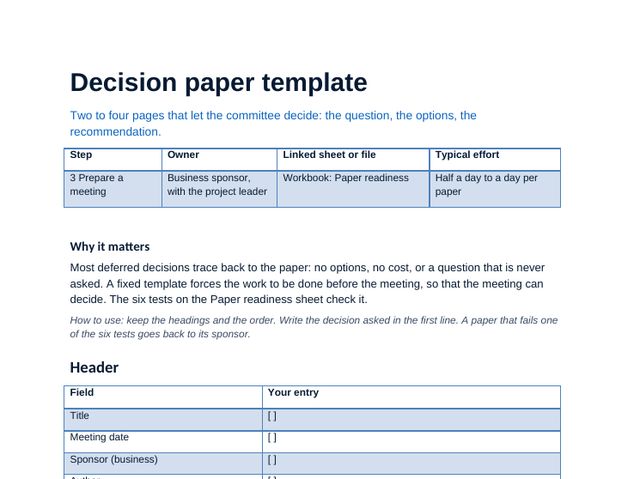 Word
Decision paper template
Two to four pages: the decision asked, options, recommendation, portfolio impact, legal opinion where needed, and the six tests.
 Word
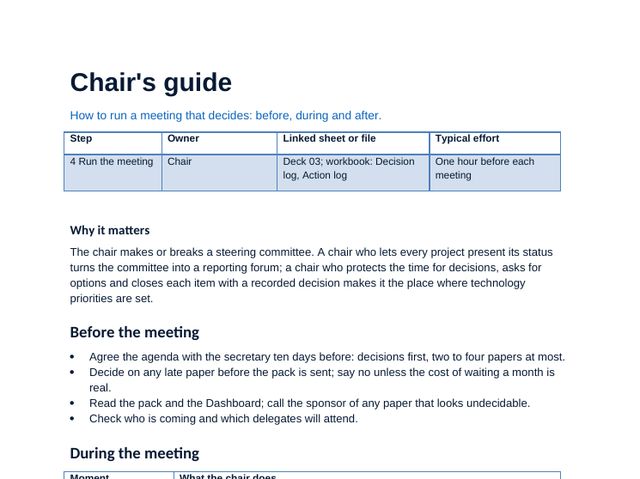
Chair's guide
Before, during and after the meeting: protecting the time for decisions and closing each item with a recorded decision.
 Word
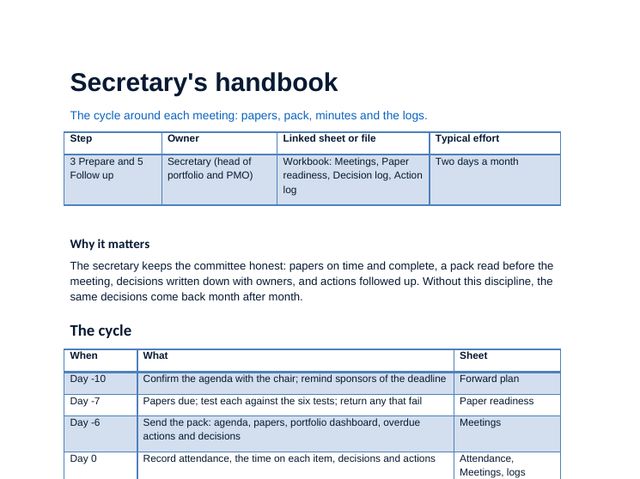
Secretary's handbook
The cycle around each meeting: papers, pack, minutes and the decision and action logs.
 Word
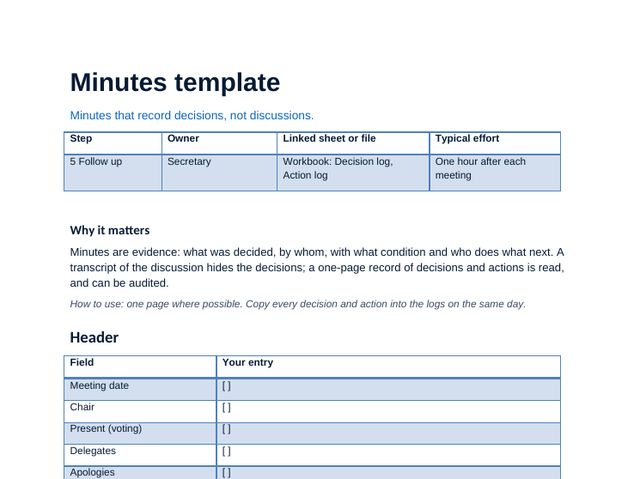
Minutes template
One page of decisions, conditions, owners, dates and dissent, with a sample entry.
 Word
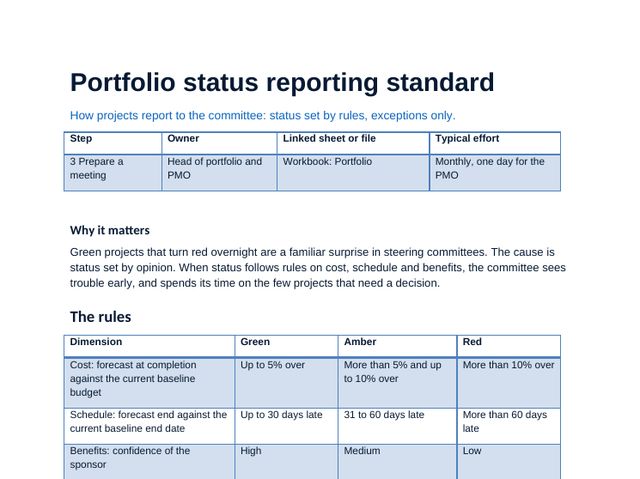
Portfolio status reporting standard
Status set by rules on cost, schedule and benefits, re-baselining and what the committee sees.
 Word
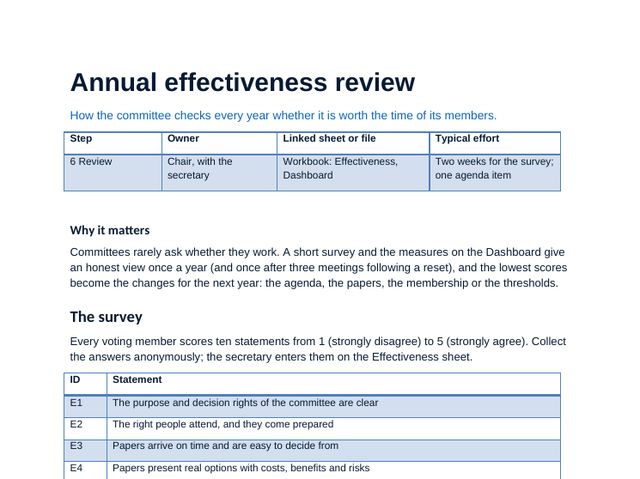
Annual effectiveness review
The ten-statement survey, the measures and how to agree the changes.
 Guide
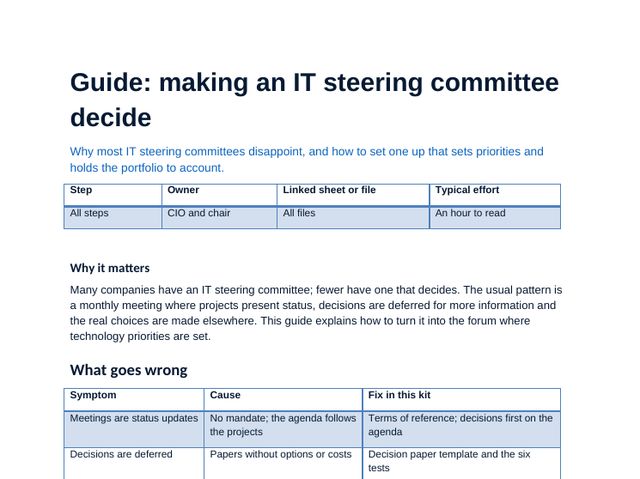
Making an IT steering committee decide
Why committees disappoint, the method in six steps, using the workbook and the mistakes to avoid.
IT steering committee workbook, sheet by sheet
The workbook carries the method: scores, choices and plans calculate as you type, and the dashboard and deck figures come from it. Click any image to see it full size.
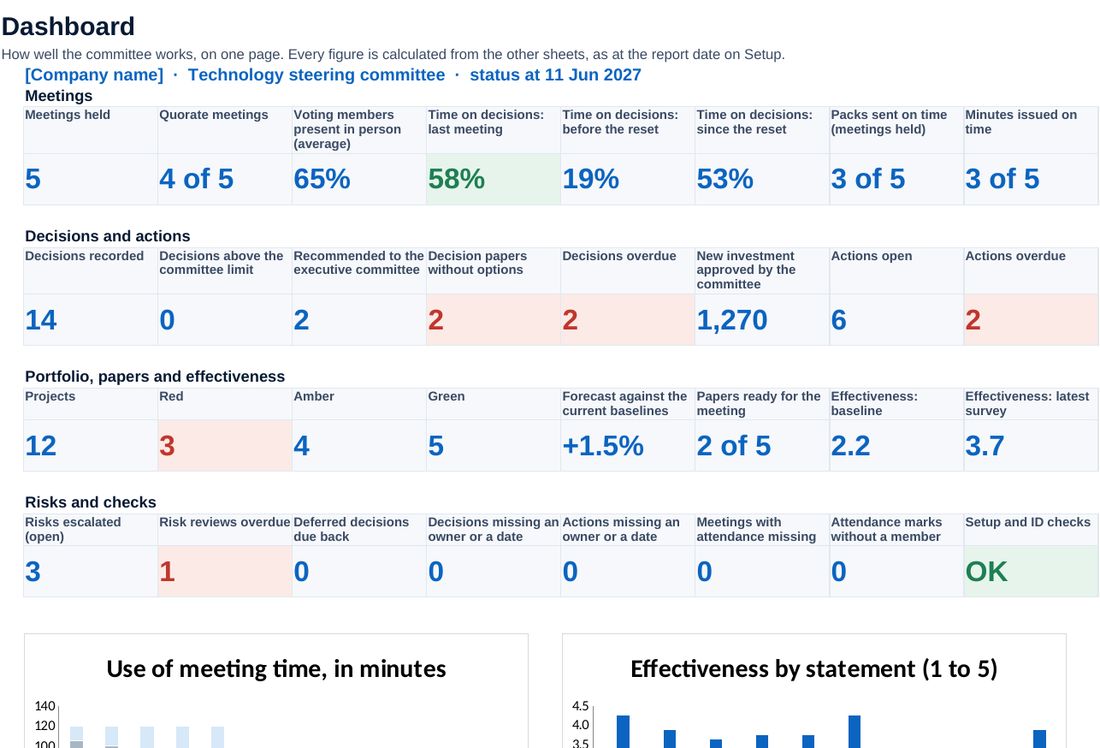
Attendance, quorum, time on decisions, papers and minutes on time, decisions and actions followed up, portfolio status, risks and checks.
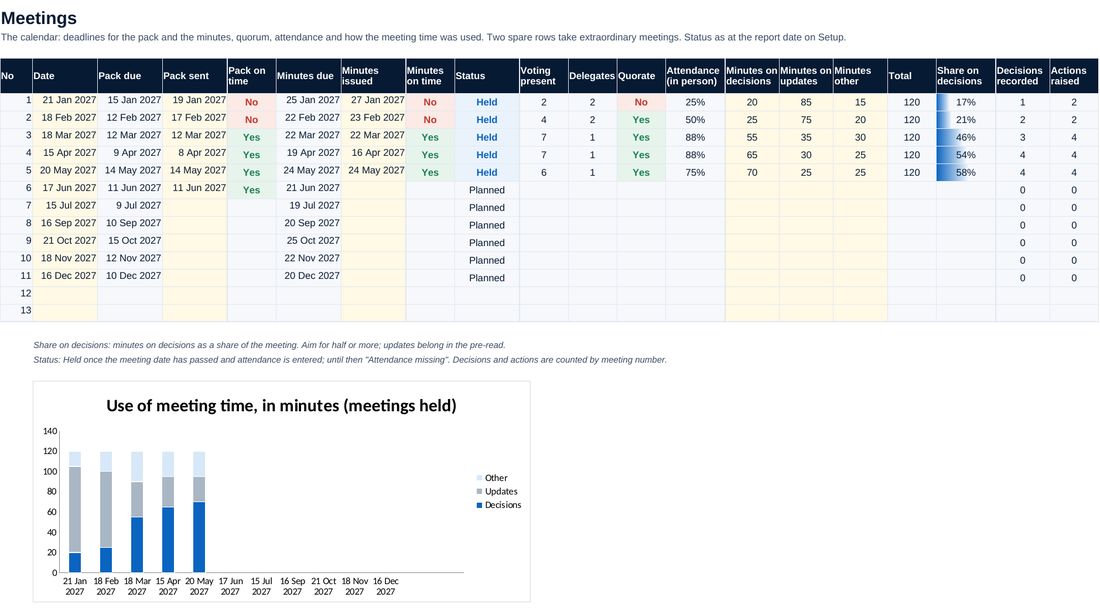
The calendar with pack and minutes deadlines, quorum, attendance and the use of meeting time.
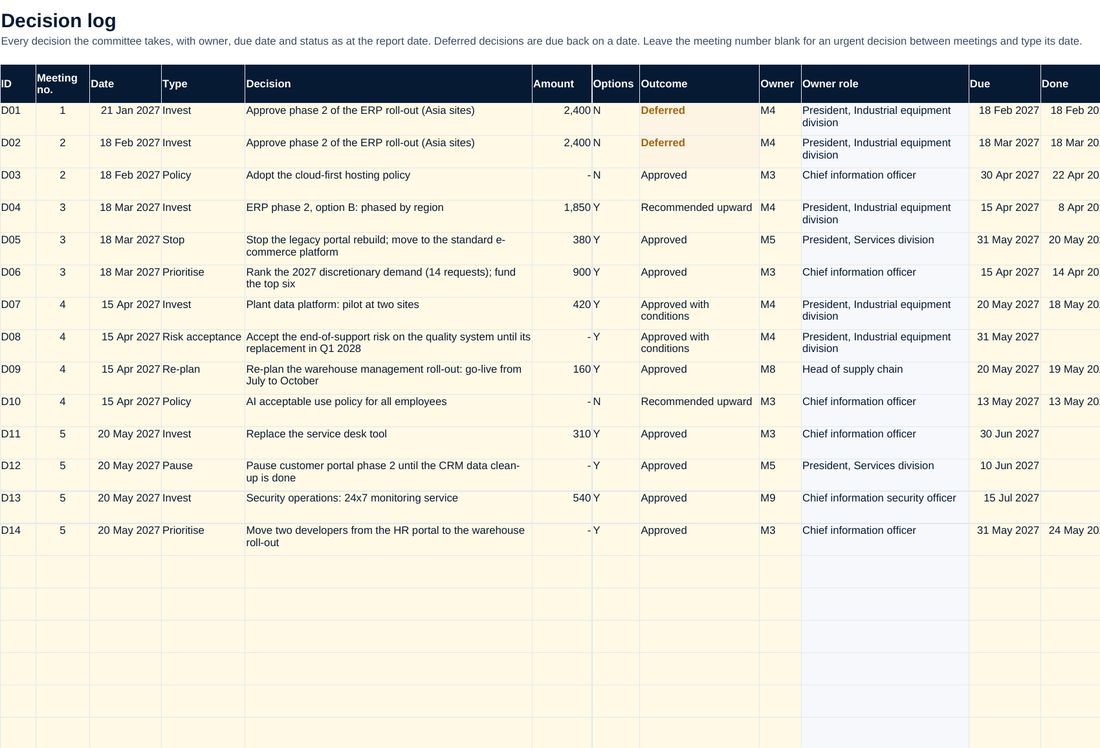
Every decision with its owner, due date and status, and flags for thresholds and missing options.
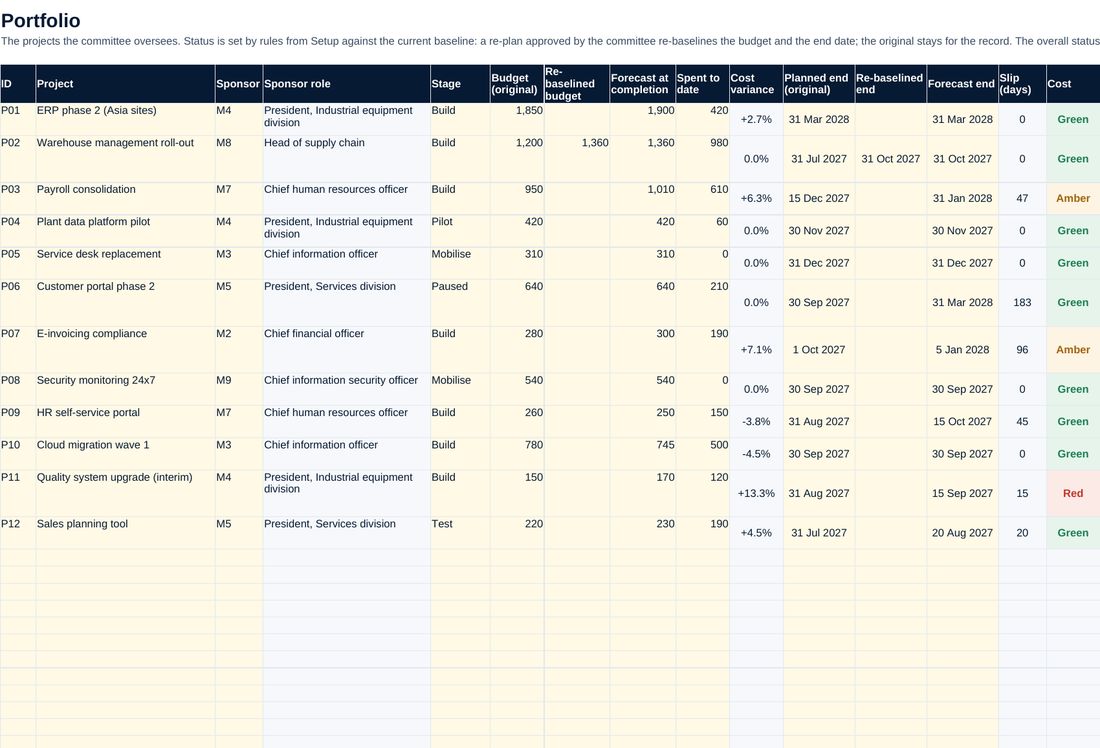
Projects with status set by rules on cost, schedule and benefits against the current baseline.
Screenshots of the workbook with its sample data, opened in a spreadsheet application.
A committee that decides
Decisions come first, every paper passes six tests and every decision has an owner and a date. In the sample, the share of meeting time on decisions rises from 19% before the reset to 53% after, every meeting since is quorate, two projects are stopped or paused, and members score the committee 3.7 out of 5, up from 2.2.
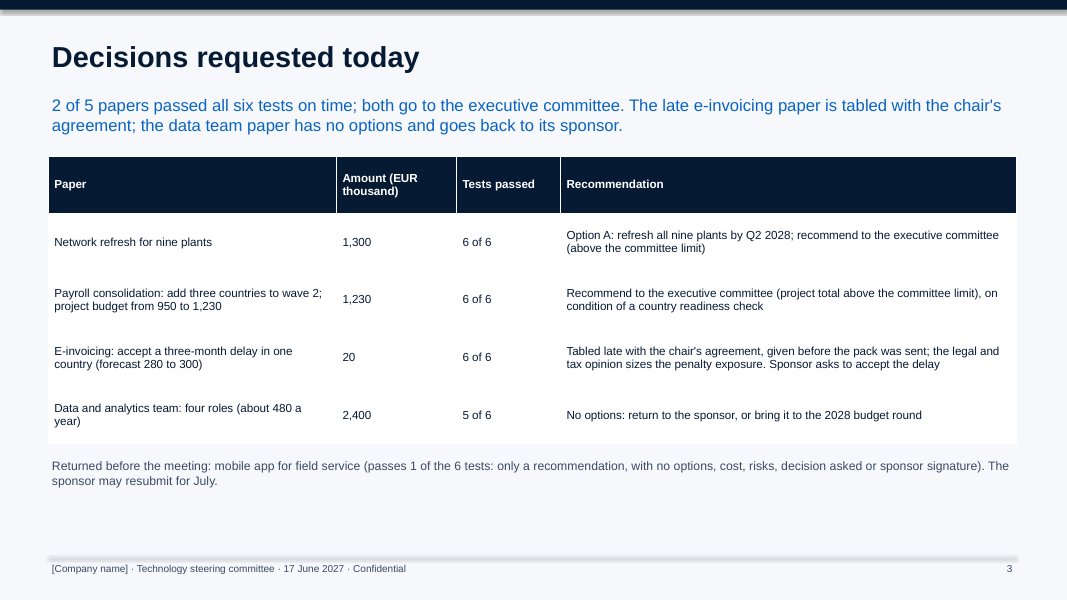
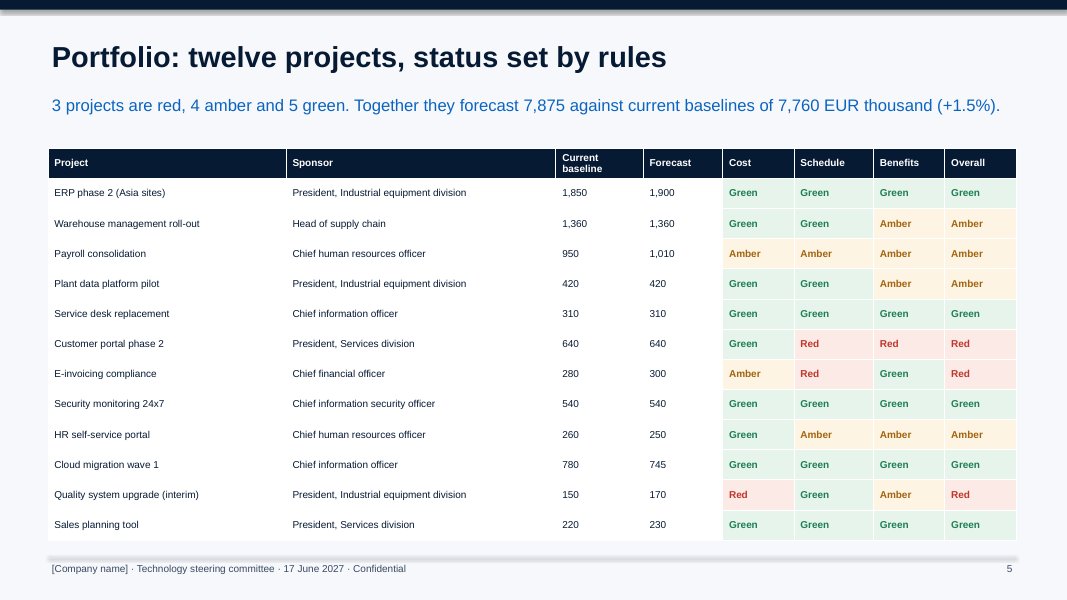
All figures shown are sample data.
The method, step by step
Agree the mandate, thresholds, membership and quorum; the executive committee approves the terms of reference.
Fix the calendar and the annual cycle; brief sponsors on the paper template and the tests.
Test the papers, send the pack on time, decide first, and keep the logs current.
Survey the members, read the measures and agree no more than three changes.
Who it is for
- CIOs whose steering committee has become a status meeting
- Chairs and secretaries of IT or digital steering committees
- Heads of PMO and IT governance
- Advisers resetting a client's IT governance (one licence per client organisation)
What you need
Excel, PowerPoint and Word, or compatible software. Resetting the committee takes about a month; running it takes two days a month for the secretary.
Free guide on this topic
Questions about the kit
Who should chair the committee?
A business leader, usually the chief operating officer or the CFO. The CIO is a voting member and the main adviser: the committee decides business priorities, not IT ones.
Can we change the thresholds and the membership?
Yes. Set the amounts, deadlines, quorum and members on the Setup sheet; every sheet follows, and the checks flag settings that do not make sense.
Does it replace our project management tool?
No. The Portfolio sheet holds the few figures the committee needs to decide; detailed plans stay in your project tools.
Is the company in the example real?
No. The manufacturer, its committee and every figure are fictional. Replace them with your own.
How do I get it?
Checkout is run by Creem, our reseller and merchant of record, which also handles tax and your invoice. As soon as the payment is confirmed we email you a private link to download the kit. Not what you expected? Ask within 14 days for a full refund.
Is it legal or financial advice?
No. The templates are practical starting points for management decisions. Have policies and contracts reviewed against the law that applies to your company.
Who can use it?
You and your colleagues, inside your own organisation. Advisers need one licence per client organisation. Please do not resell or republish it.