Technology Investment Prioritisation Kit
When requests exceed the budget, the loudest sponsor usually wins. This kit runs the annual funding decision on published rules: work in flight reviewed on what is left to spend and gain, mandatory work ring-fenced at its minimum scope, one financial lens with benefits cut by confidence and costs by contingency, a scorecard on fit, complexity, risk and dependencies, a ranked list with a cut line, every committee departure recorded with its gate or trigger, balance, run cost and capacity checks, scenarios at more or less budget, and the in-year rules that keep it true, all filled in for a worked example.
$89 $45 one-time, no subscription
Excel, PowerPoint and Word files. Yours to use and adapt inside your organisation. Delivered by email at once; 14-day refund promise.
12 working files, not a slide pack to read
Every file is editable and comes with a worked example for one fictional company, so you start from something, not from a blank page. Workbooks calculate as you type.
 Excel
Investment prioritisation workbook
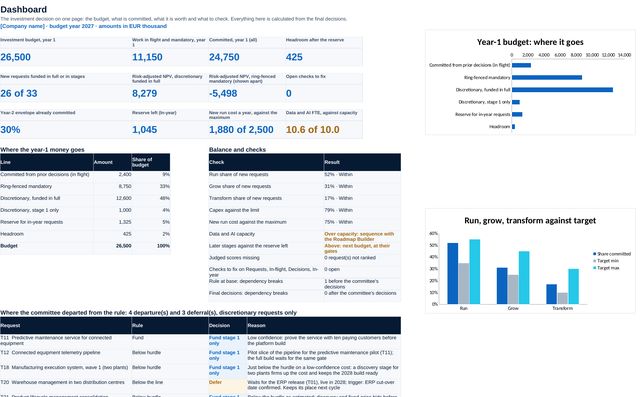
15 sheets: setup with your own units and limits, work in flight, requests, financials with NPV, IRR, payback and risk adjustment, the rubric, scoring, ranking, the funding line, committee decisions with gates and triggers, the marginal view, balance with run cost, P&L and capacity, scenarios and the in-year log. A dashboard pulls it together.
 PowerPoint
Investment committee deck
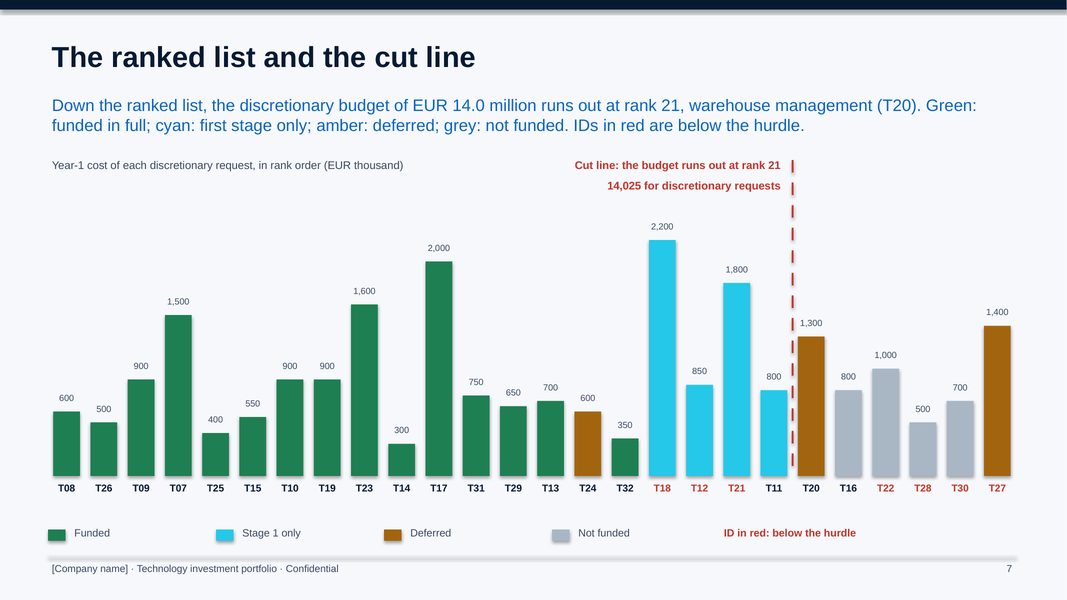
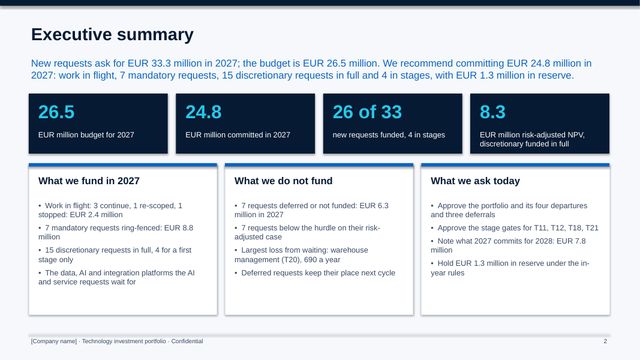
18 slides: the gap, work in flight, the rules, mandatory work, the ranked list and cut line, departures and deferrals, gates, the marginal view, balance, run cost, capacity, dependencies, scenarios, 2028 commitments and the decisions.
 PowerPoint
Scoring and challenge session deck
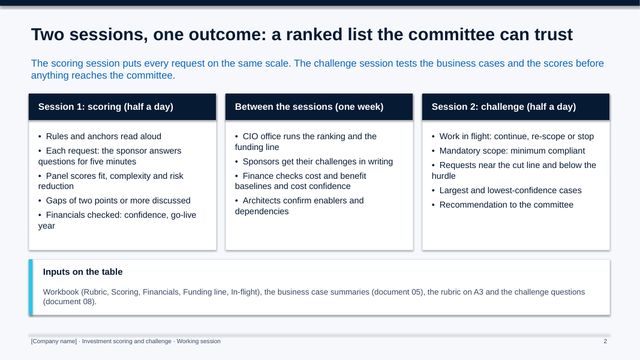
12 slides for the working sessions: ground rules, the four criteria, the financial lens, a worked score, the challenge questions and log, and the requests near the line.
 Word
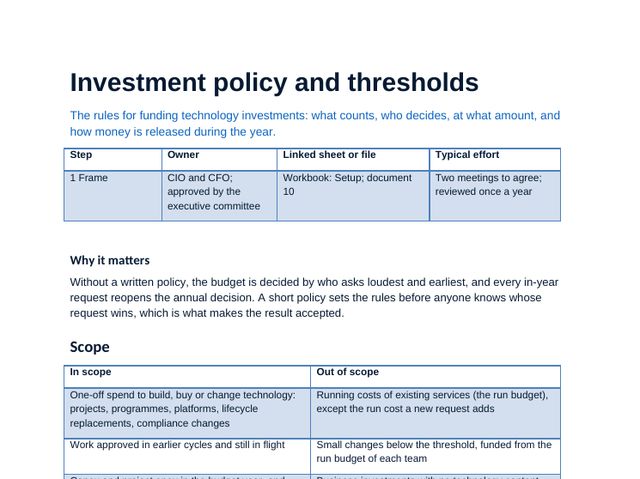
Investment policy and thresholds
The principles, who decides what at which amount, the annual cycle and the reserve rules.
 Word
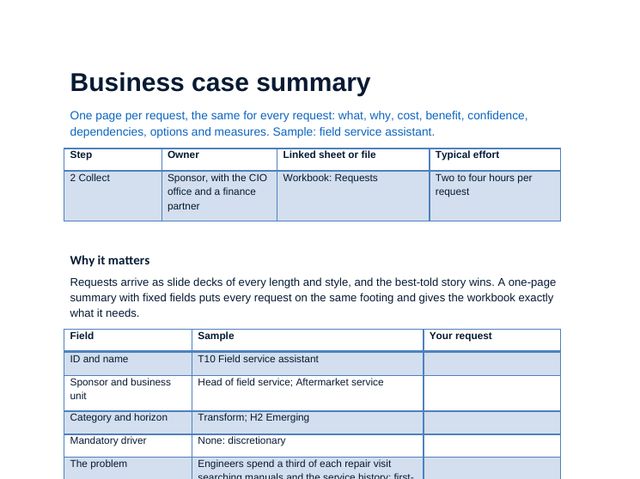
Business case summary
The two-page summary every request needs, with a do-minimum option, cost confidence, P&L effect and KPIs, worked for a sample request.
 Word
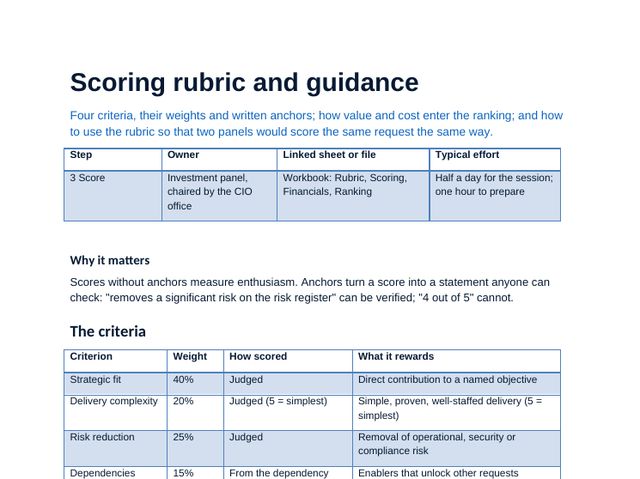
Scoring rubric and guidance
The four criteria with written anchors, the financial lens, value for money, enabler credit and the pitfalls.
 Word
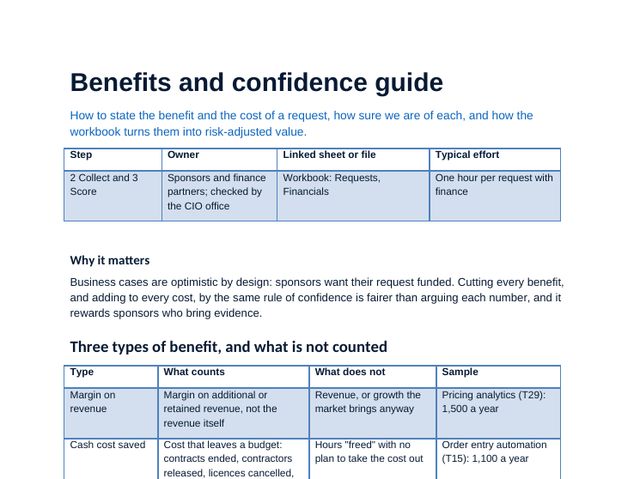
Benefits and confidence guide
What counts as a benefit, confidence levels, cost contingency and the sponsor view against the risk-adjusted view.
 Word
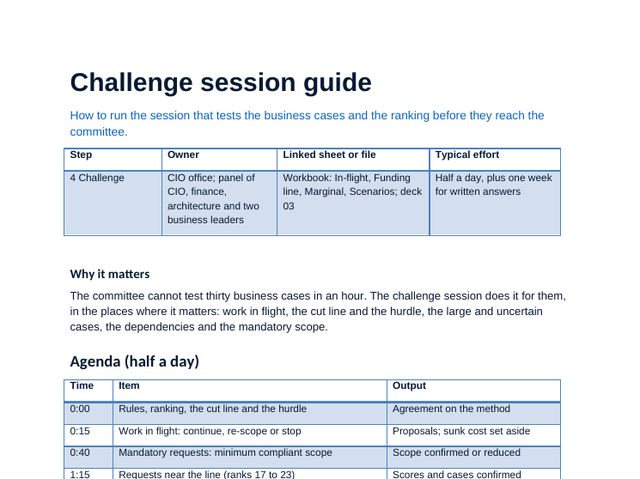
Challenge session guide
How to run the session, the five questions that catch weak cases and the challenge log.
 Word
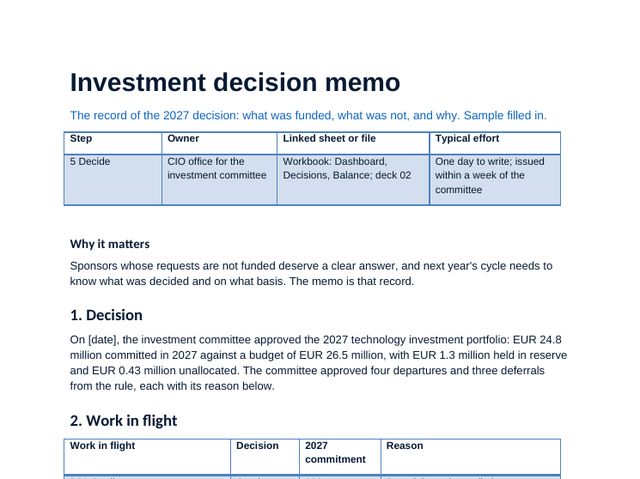
Investment decision memo
The filled-in memo: what is funded, departures and deferrals with gates and triggers, and the conditions.
 Word
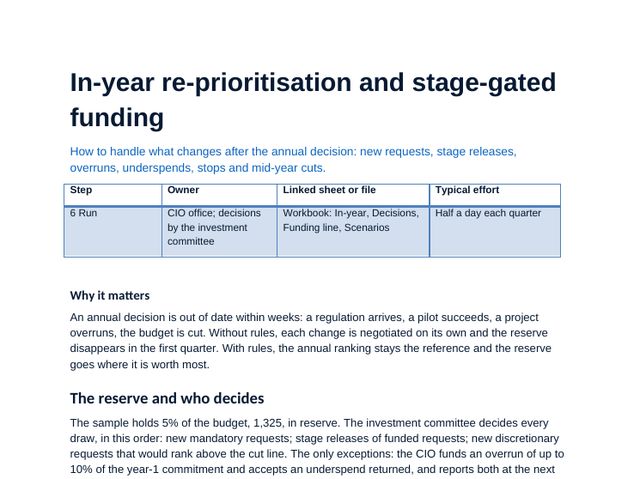
In-year re-prioritisation and stage-gated funding
Reserve rules, overruns and underspends, stage gates, new mandatory work and the mid-year cut playbook.
 PDF
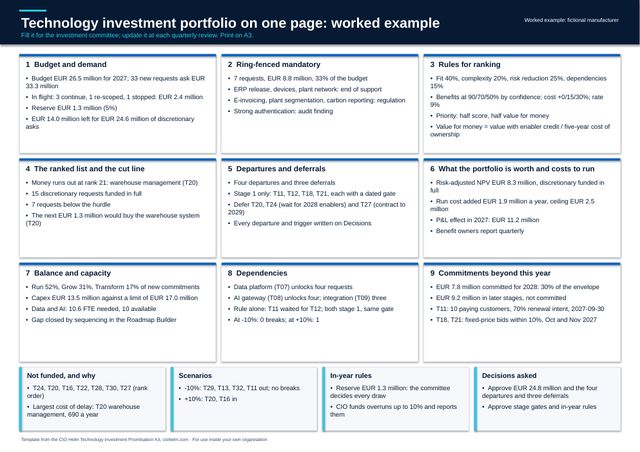
Investment portfolio canvas (A3)
The whole funding decision on one A3 page: a blank template and a worked example.
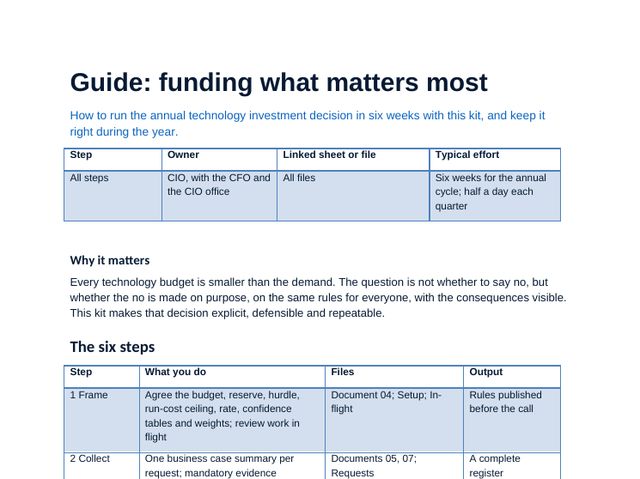 Guide
Funding what matters most
The method in steps with tips and pitfalls, the cycle timetable, using the workbook and the mistakes to avoid.
Investment prioritisation workbook, sheet by sheet
The workbook carries the method: scores, choices and plans calculate as you type, and the dashboard and deck figures come from it. Click any image to see it full size.
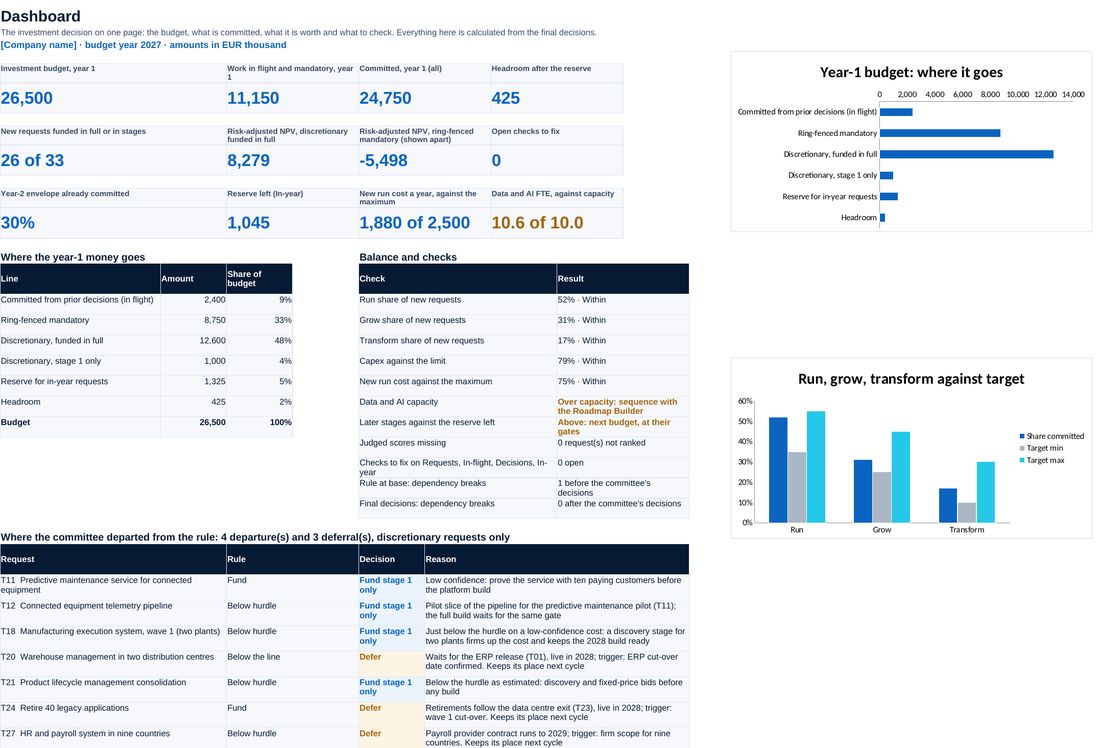
Budget, work in flight, mandatory, the line, committed and headroom, balance, run cost and the open checks.
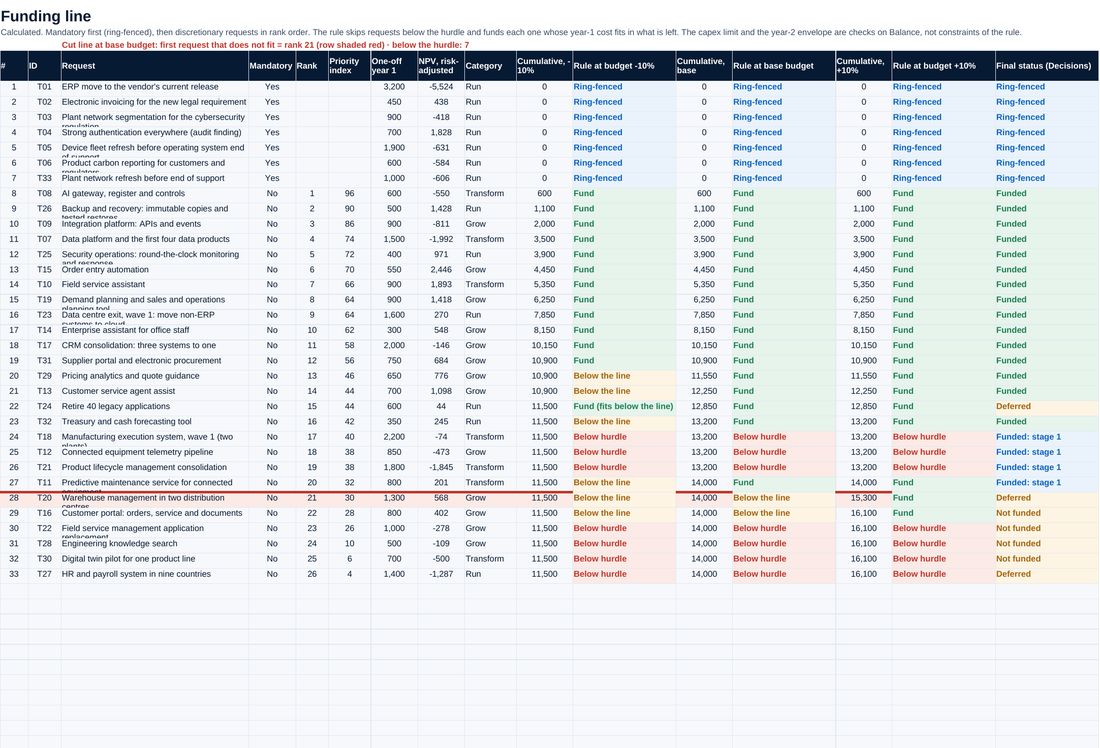
Every discretionary request down the ranked list, cumulative cost against the budget and where the line falls.
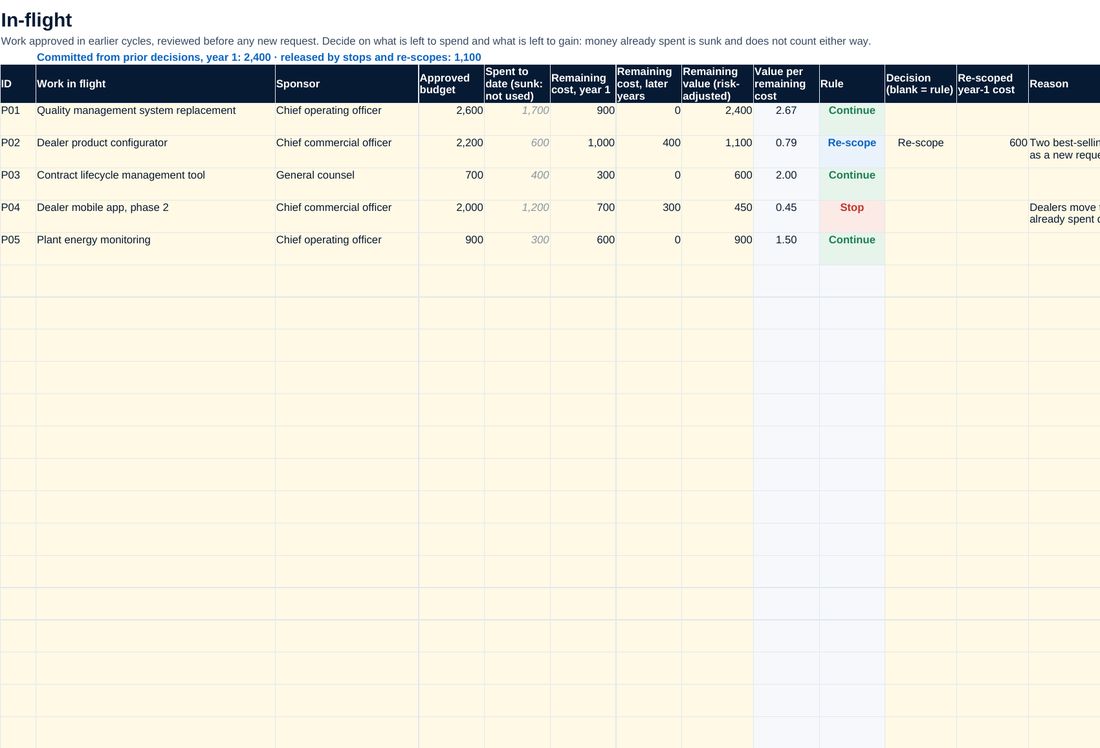
Work already approved, judged on what is left to spend against what is left to gain: continue, re-scope or stop.
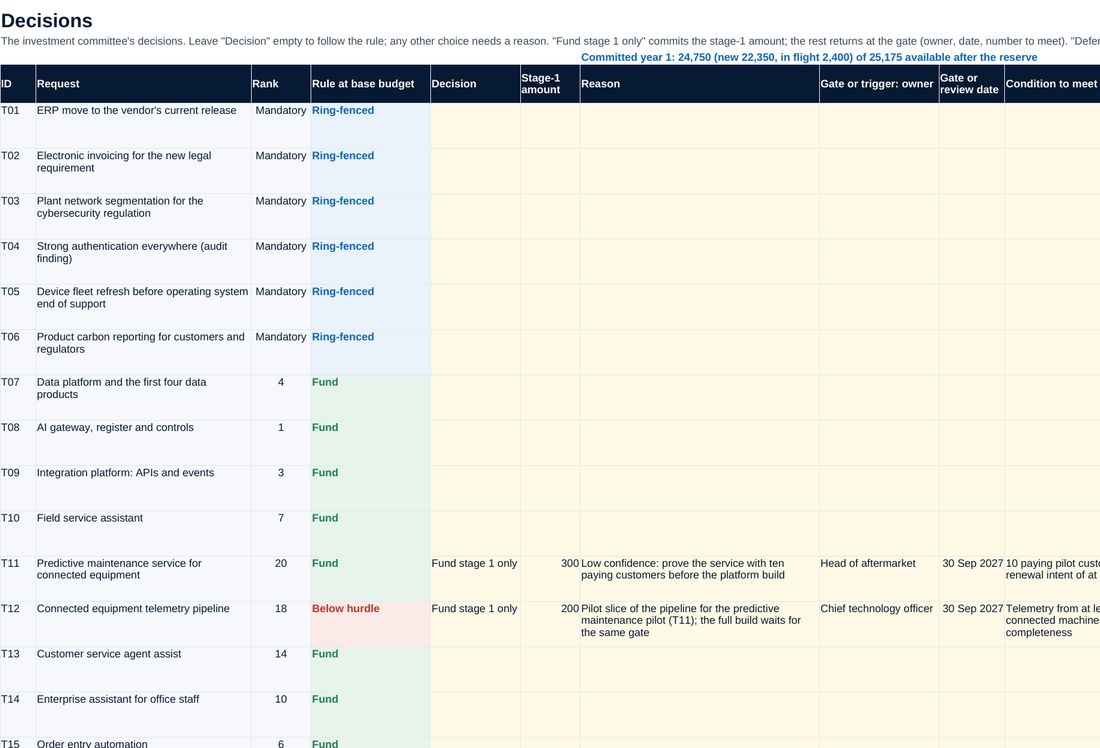
The rule against the committee decision for every request, with the reason, the gate or the trigger.
Screenshots of the workbook with its sample data, opened in a spreadsheet application.
A cut line the committee can defend
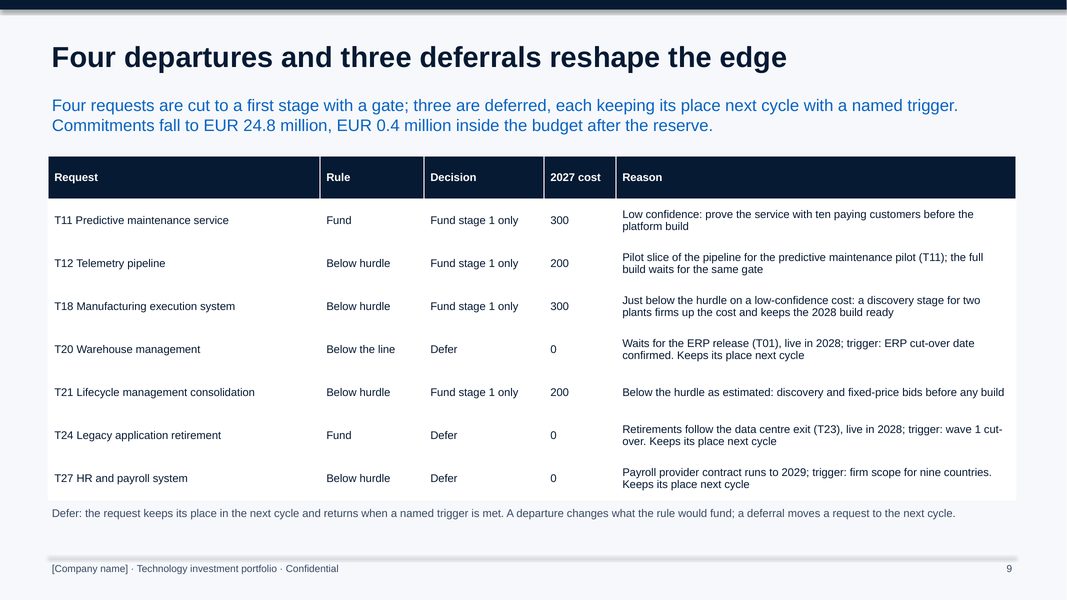
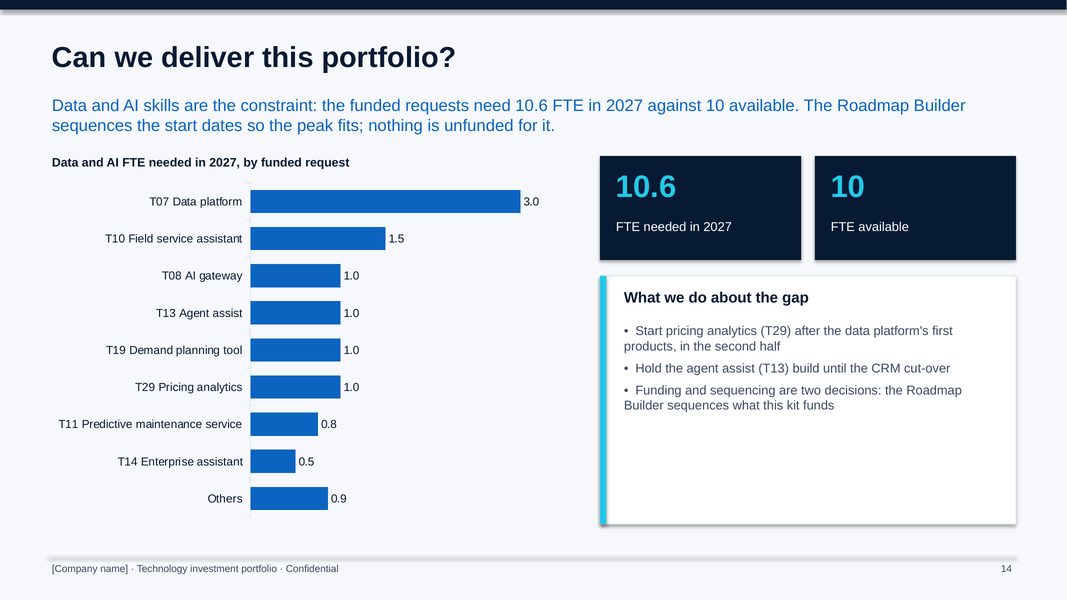
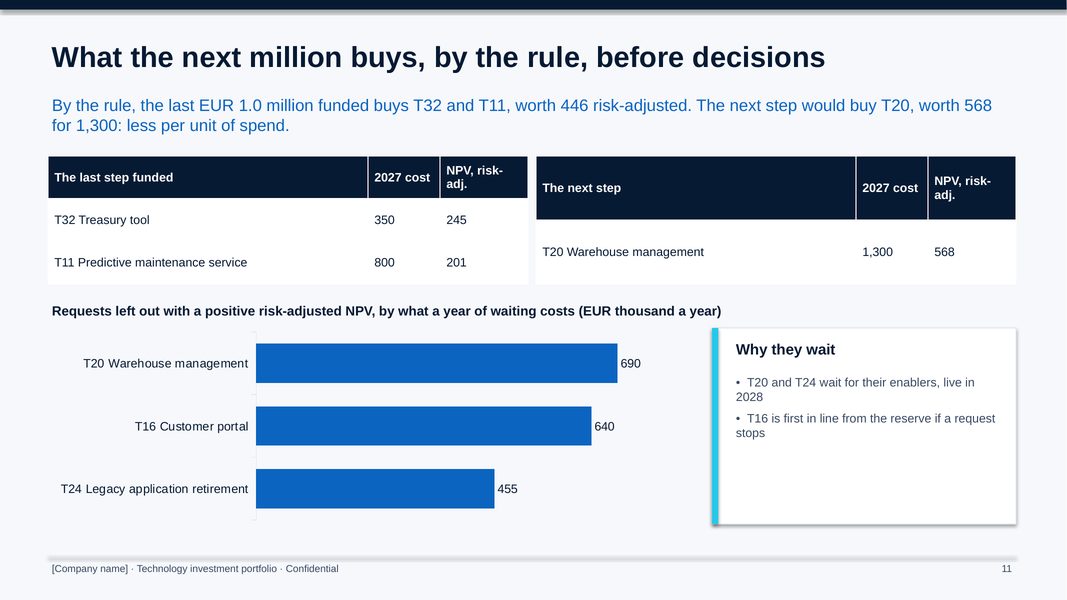
The sample company receives 33 new requests asking for EUR 33.3 million against a EUR 26.5 million budget. Work in flight takes 2.4 million off the top, mandatory work 8.8 million and the reserve 1.3 million, leaving 14.0 million for discretionary requests: the line falls at rank 21. The committee makes four departures and three deferrals, each with a gate or a trigger, and commits 24.8 million. New run cost stays inside its ceiling, 30% of the 2028 envelope is already committed, and data and AI skills, at 10.6 FTE needed against 10, become the constraint the roadmap must sequence.
All figures shown are sample data.
The method, step by step
Publish the policy and thresholds, review work in flight and collect one business case summary per request.
Run the financial lens, score in a panel against the anchors and challenge the cases.
Draw the cut line, check dependencies, balance, run cost and capacity, and run the scenarios.
The committee decides and records each departure; the in-year rules handle overruns, gates and cuts.
Who it is for
- CIOs who must fit more requests than budget into one funding decision
- Investment committees and CFOs who want the same rules for every request
- Portfolio and finance leads running the annual cycle
- Advisers setting up technology investment governance for a client (one licence per client organisation)
What you need
Excel, PowerPoint and Word, or compatible software. The annual cycle takes about eight weeks; in-year decisions a few hours each.
Free guides on this topic
Questions about the kit
How is it different from the Roadmap Builder?
This kit decides what is funded and at what stage. The Roadmap Builder then sequences the funded work against dependencies and capacity, quarter by quarter.
How is it different from the Project Delivery Framework Kit?
The delivery kit runs one project through its stages and gates. This kit compares all requests against one budget and decides which go ahead.
Can we change the criteria, weights and limits?
Yes. Weights, anchors, the hurdle, budget, reserve, run cost ceiling, business units and categories are inputs on Setup.
Is the company in the example real?
No. The manufacturer and its figures are fictional. Replace them with your own.
How do I get it?
Checkout is run by Creem, our reseller and merchant of record, which also handles tax and your invoice. As soon as the payment is confirmed we email you a private link to download the kit. Not what you expected? Ask within 14 days for a full refund.
Is it legal or financial advice?
No. The templates are practical starting points for management decisions. Have policies and contracts reviewed against the law that applies to your company.
Who can use it?
You and your colleagues, inside your own organisation. Advisers need one licence per client organisation. Please do not resell or republish it.