Technology Value Tracker
Most benefits are promised in the business case and never checked again. This kit tracks every approved investment quarter by quarter: a register with owners, baselines and measures, claims validated by finance against an evidence standard, cash kept apart from other profit and risk, shared budget lines counted once, the leakage from the promise to what is now expected, adoption and post-implementation reviews, a continue, reshape or stop test, the lifecycle return against what was approved, and the calibration that tells the next funding round how much to believe, all filled in for a worked example.
$89 $45 one-time, no subscription
Excel, PowerPoint and Word files. Yours to use and adapt inside your organisation. Delivered by email at once; 14-day refund promise.
13 working files, not a slide pack to read
Every file is editable and comes with a worked example for one fictional company, so you start from something, not from a blank page. Workbooks calculate as you type.
 Excel
Technology value tracker workbook
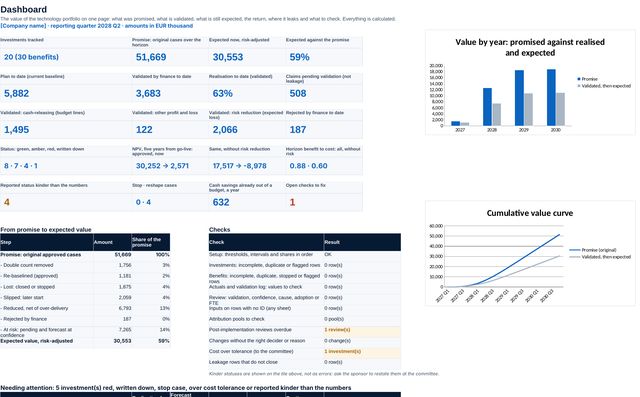
15 sheets: setup, investments, benefits with owners and adoption measures, plan, actuals, the quarterly review with a validation log, attribution of shared budget lines, the leakage bridge, post-implementation reviews, changes, calibration, the portfolio view and the lifecycle return. A dashboard pulls it together with its checks.
 PowerPoint
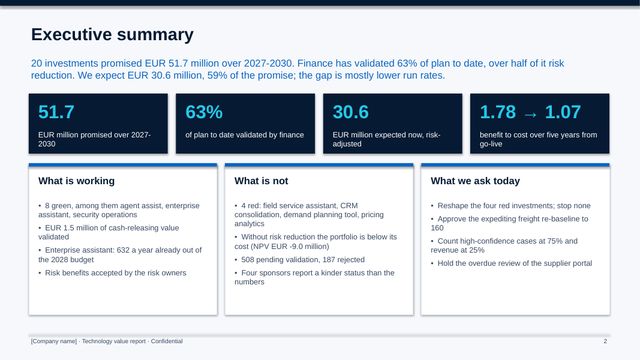
Quarterly value report
16 slides for the investment committee: value validated, the value curve, status, the leakage bridge, causes, cash out of the budget, pending and rejected claims, attribution, red investments, reviews, calibration, the lifecycle return, balance and the decisions.
 PowerPoint
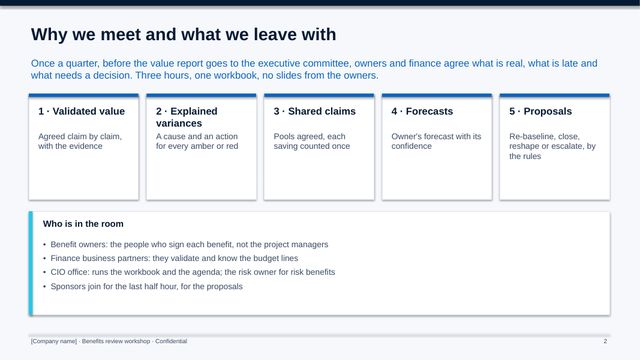
Benefits review workshop
12 slides for the quarterly session with benefit owners: the rules of evidence, five exercises from validating claims to re-baselining, lessons for the next cases and what we agree.
 Word
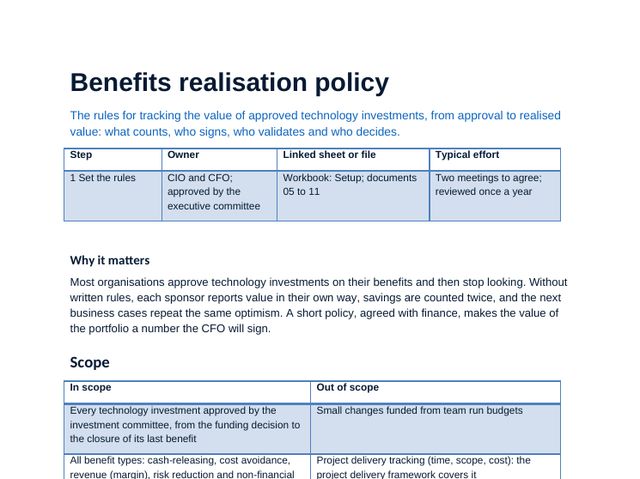
Benefits realisation policy
Principles, owners and their accountability, the quarterly cycle, status rules, decision rights and the rule for stopping an investment.
 Word
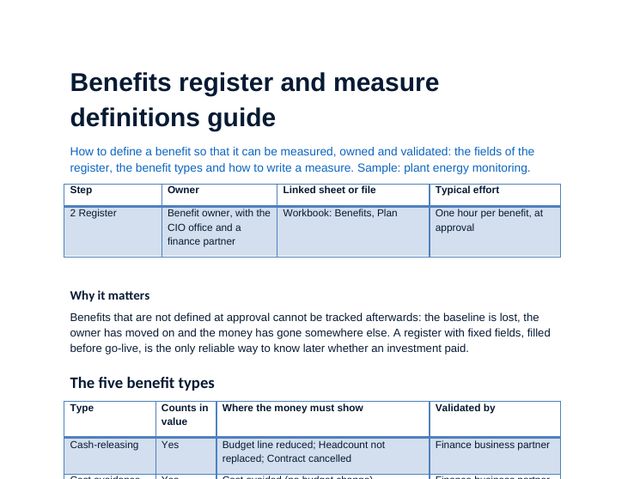
Benefits register and measure definitions guide
Benefit types, how to write a measure, baselines, targets, adoption measures and the register fields.
 Word
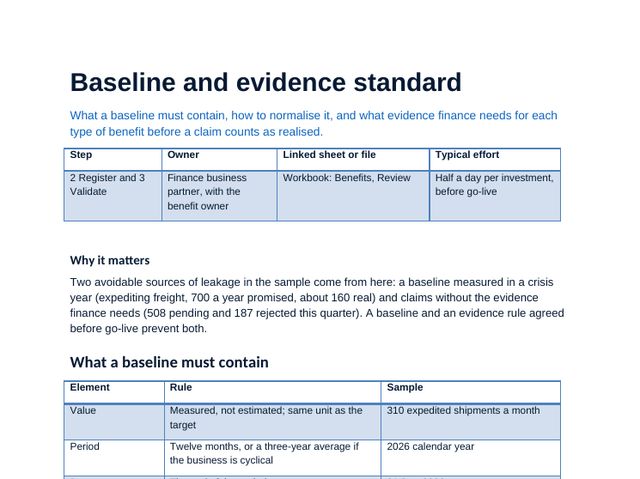
Baseline and evidence standard
What counts as evidence for each benefit type, normalising baselines and turning released capacity into budget.
 Word
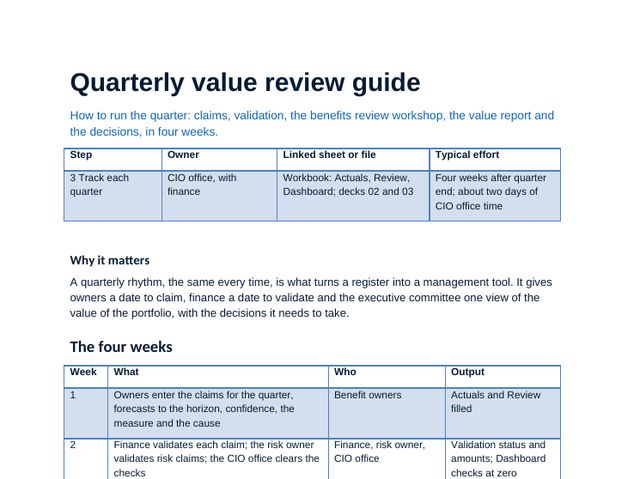
Quarterly value review guide
The four-week cycle, the review meeting, causes, re-baselining and escalation.
 Word
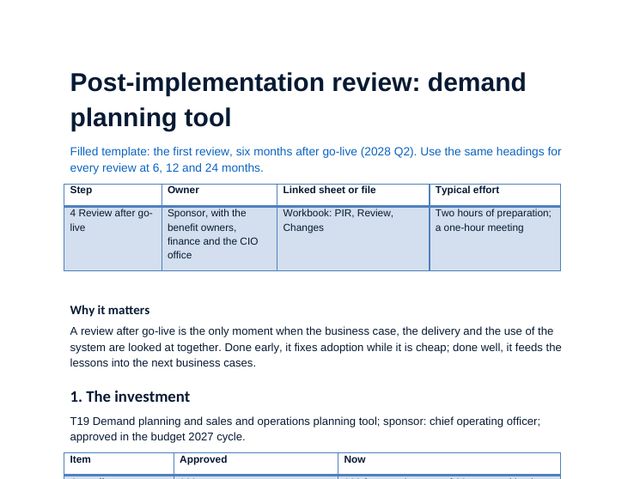
Post-implementation review: worked example
A filled review of a demand planning tool: what was promised, what happened, why and what changes.
 Word
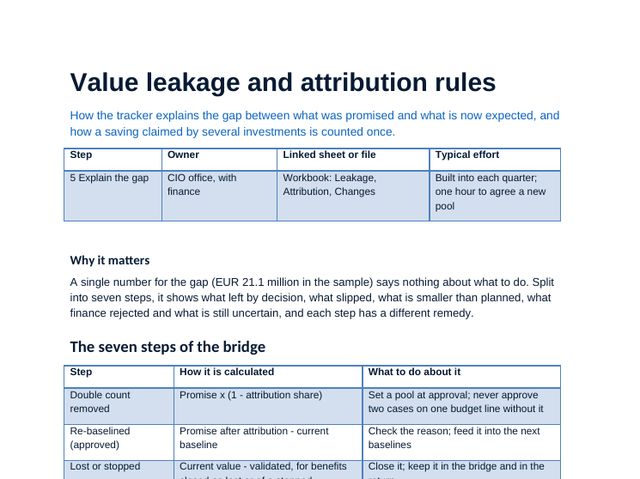
Value leakage and attribution rules
The leakage categories, counting a shared budget line once and the rules for each.
 Word
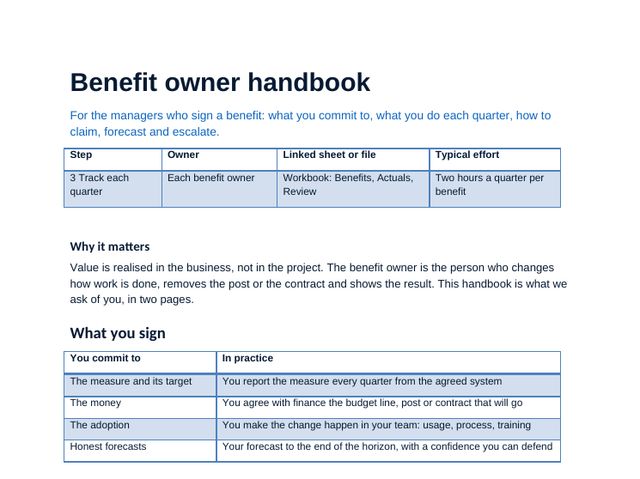
Benefit owner handbook
What owners sign, what they report each quarter and how to make adoption happen.
 Word
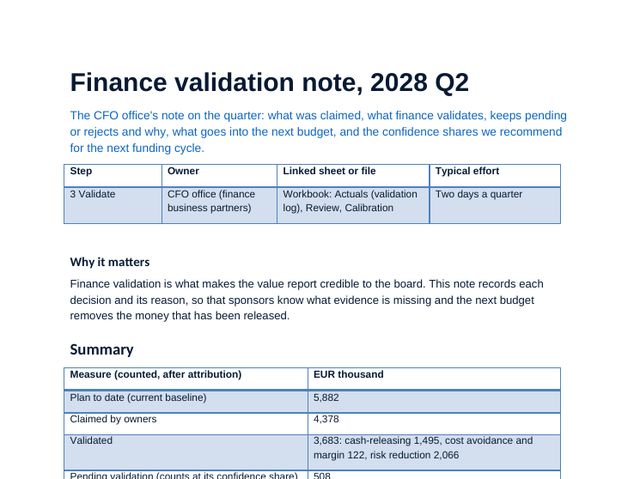
Finance validation note
The filled quarterly note from finance: claims validated, pending and rejected, and the budget lines to reduce.
 PDF
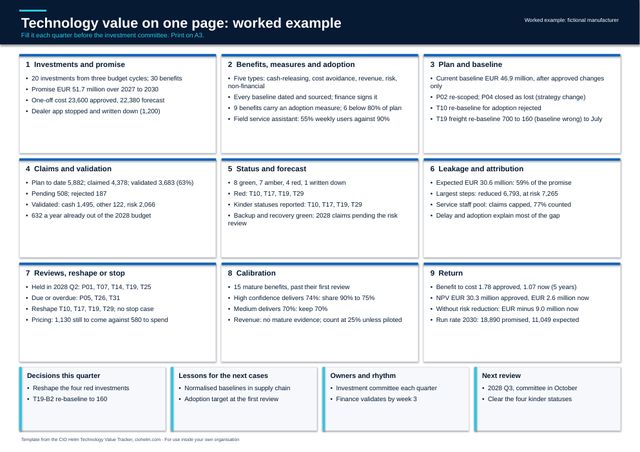
Technology value canvas (A3)
The quarter on one A3 page: a blank template for the review and a worked example.
 Guide
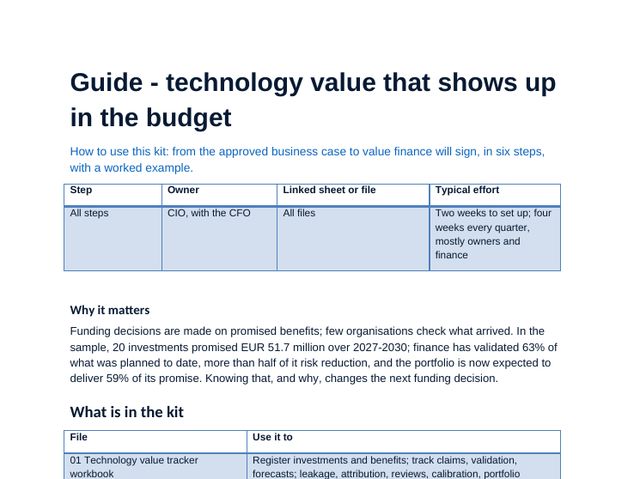
Technology value that shows up in the budget
The method in steps with tips and pitfalls, the first quarter timetable, using the workbook and the mistakes to avoid.
Technology value tracker workbook, sheet by sheet
The workbook carries the method: scores, choices and plans calculate as you type, and the dashboard and deck figures come from it. Click any image to see it full size.
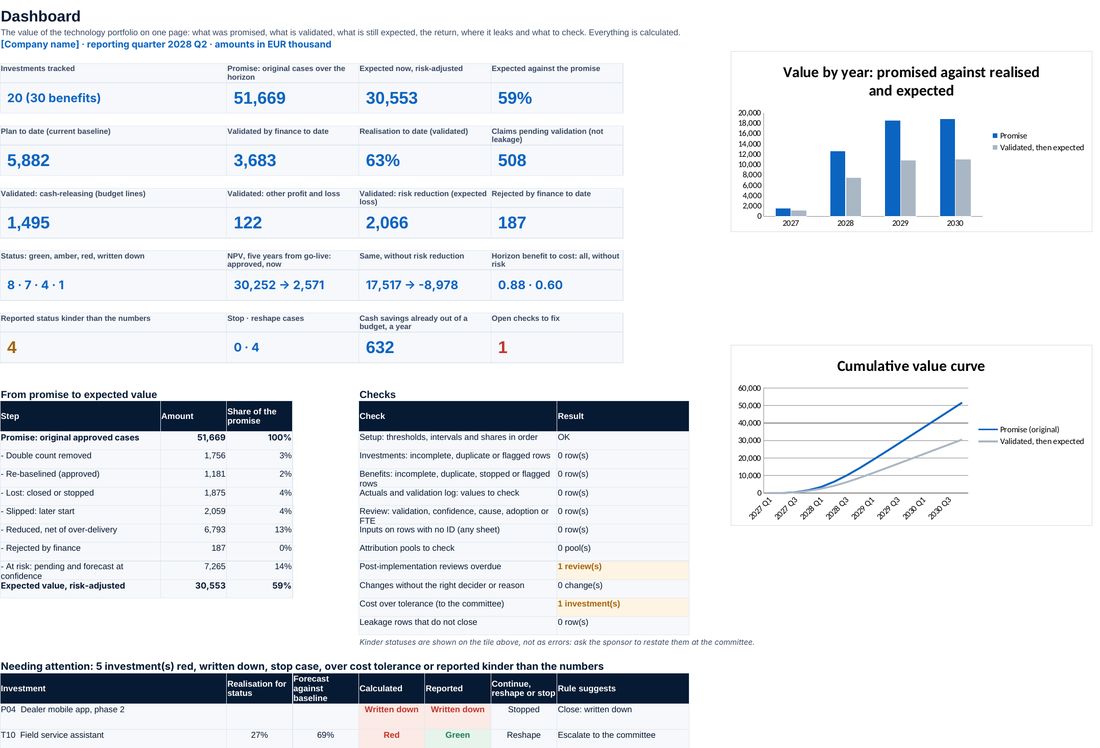
Value promised, expected and validated, status, cash, risk and the checks, on one page.
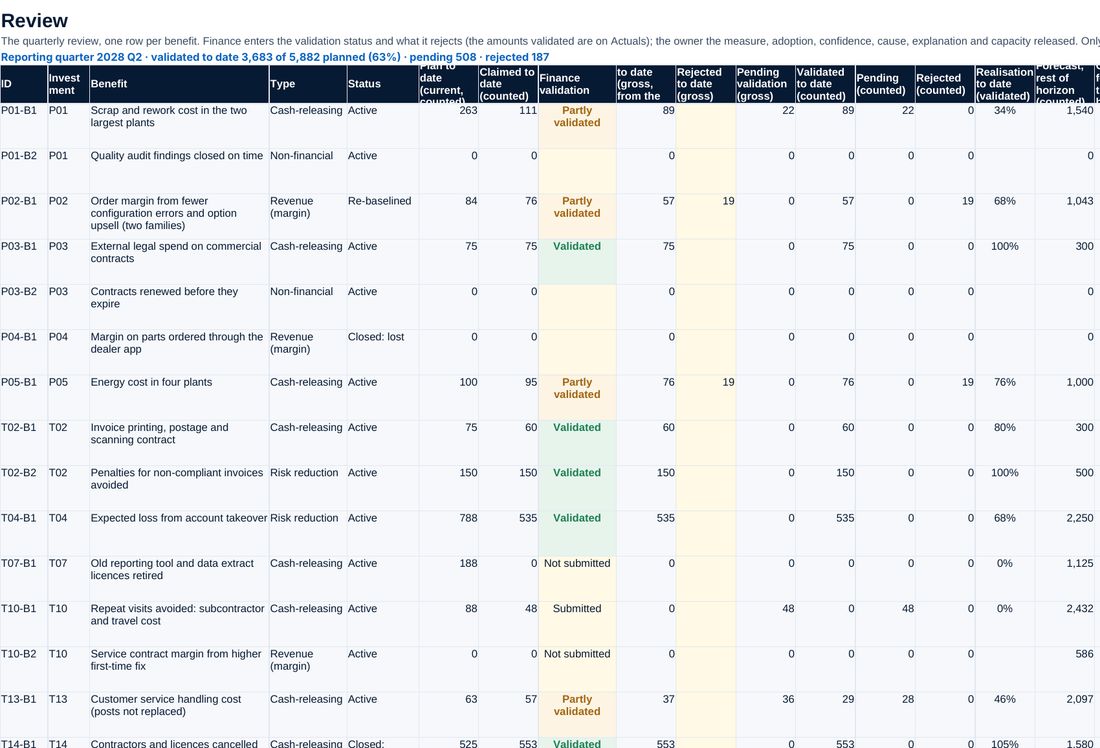
Every benefit this quarter: claimed, validated, cause, forecast, adoption and the action.
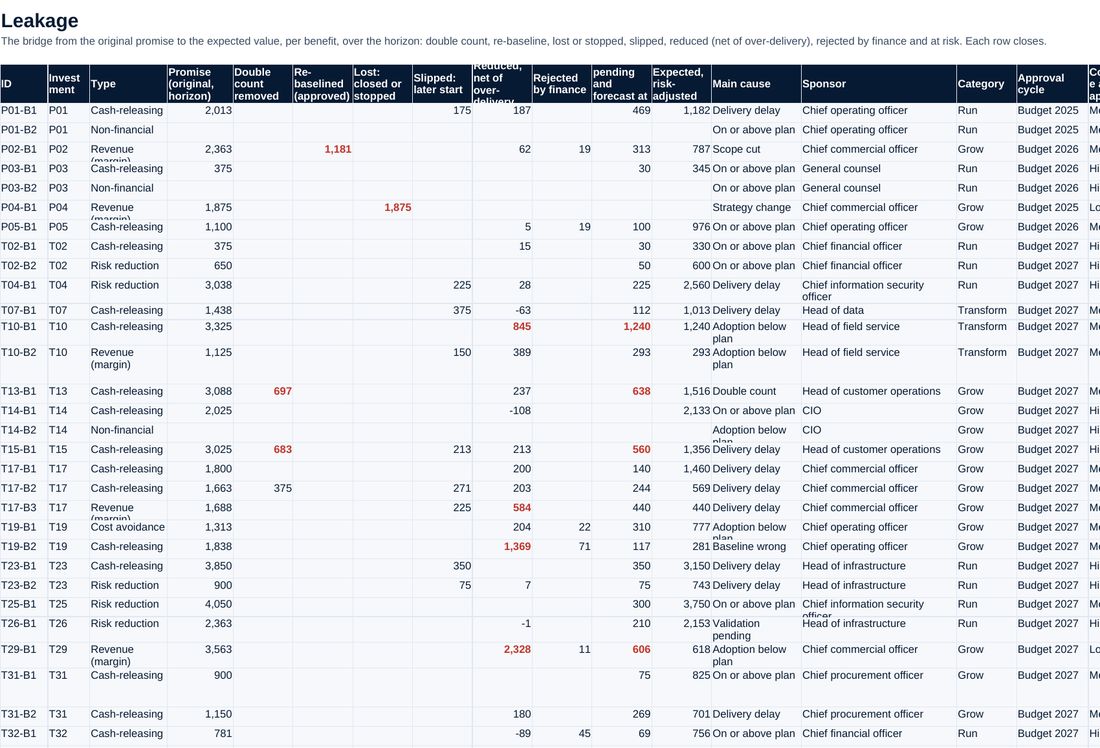
The bridge from the promise to what is now expected, benefit by benefit.
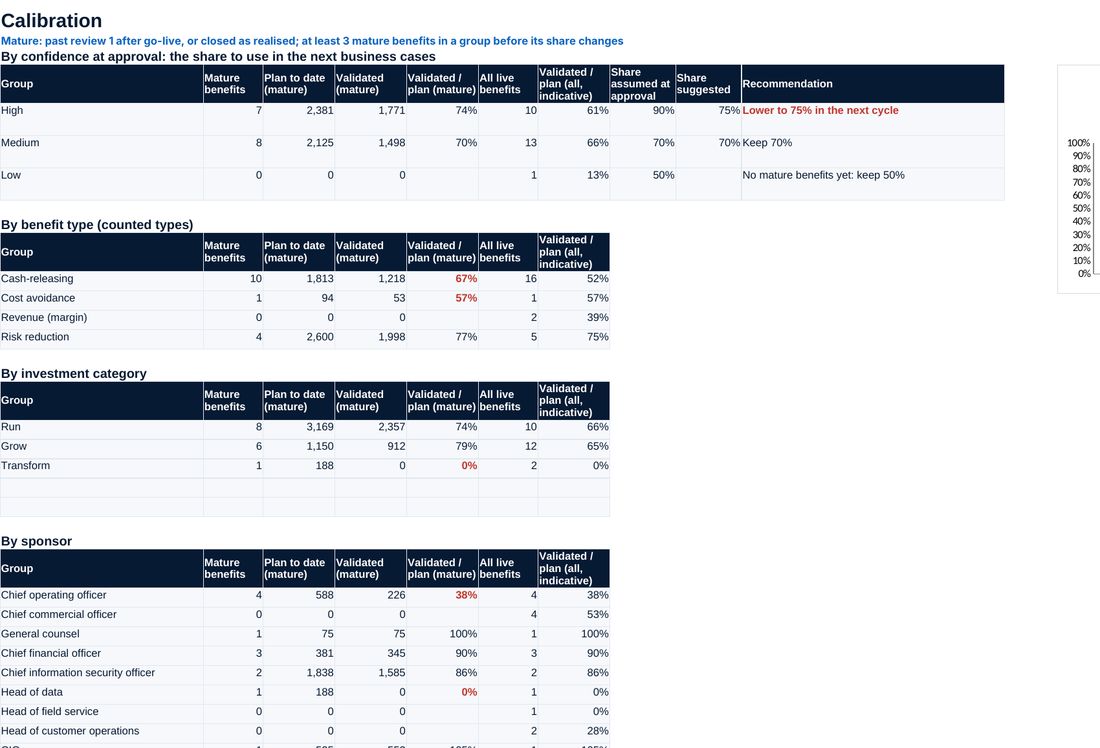
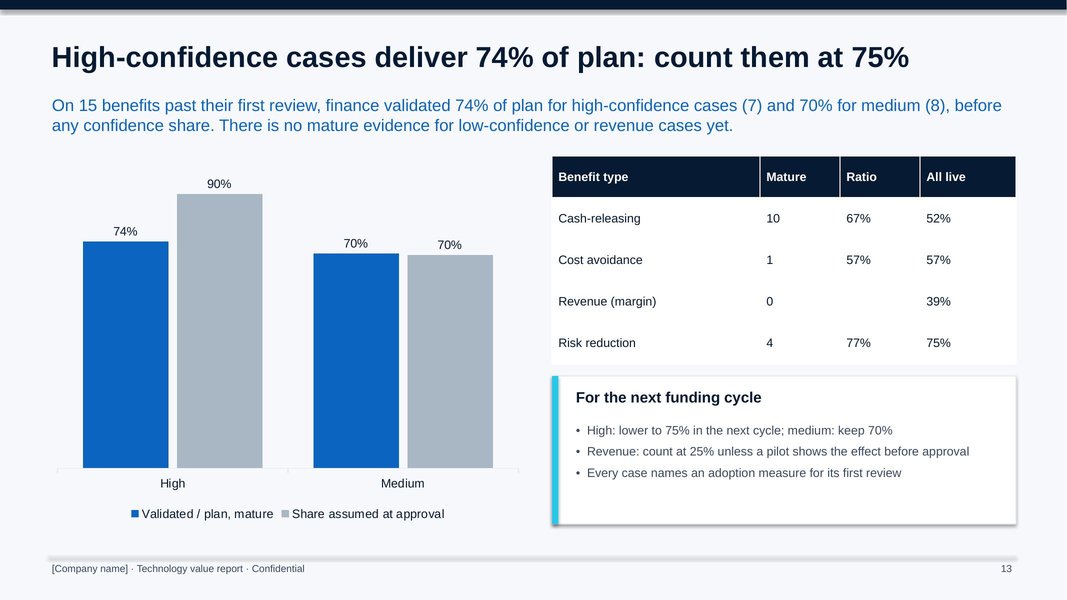
What mature benefits delivered by confidence level and type, and the share to use next time.
Screenshots of the workbook with its sample data, opened in a spreadsheet application.
The gap, explained and acted on
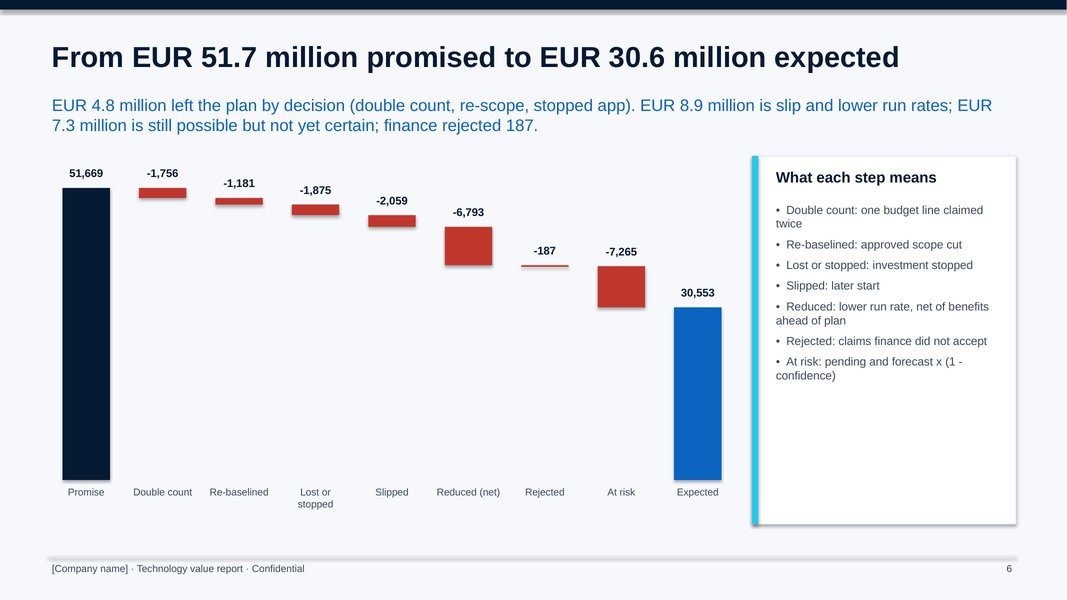
The sample company tracks 20 investments and 30 benefits approved over three budget cycles. EUR 51.7 million was promised; 30.6 million is now expected, and the bridge shows why: 4.8 million left by decision, 8.9 million through delay and lower run rates, 7.3 million still at risk. Finance has validated 63% of the value planned to date, 1.5 million of it in cash. Three investments claimed the same posts, so 77% of each claim counts. Four red investments are reshaped and none stopped, and mature high-confidence cases delivered 74% of plan, so the next funding round counts them at 75%.
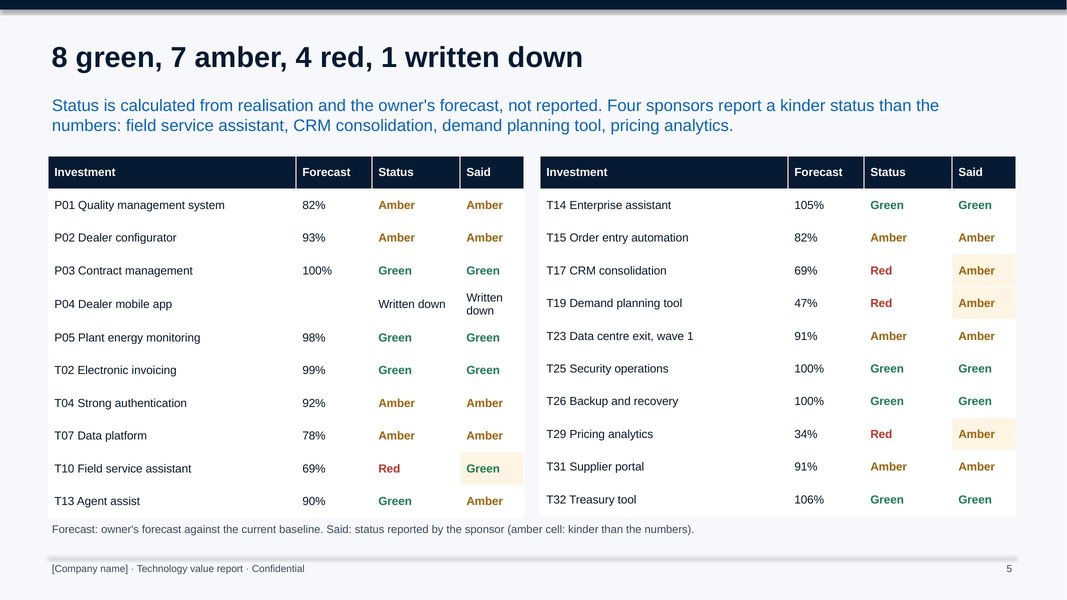
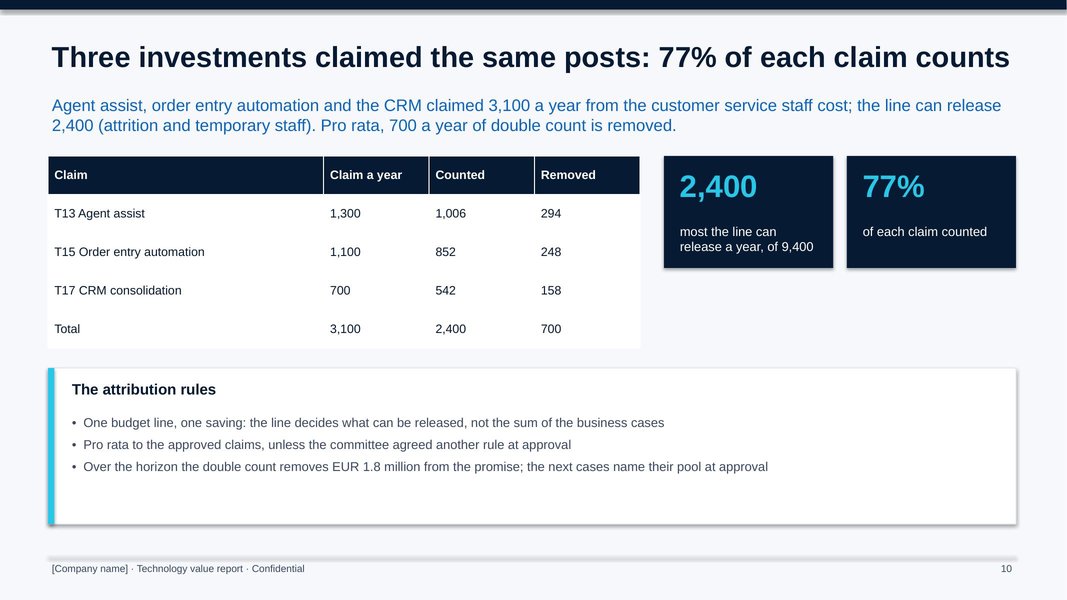
All figures shown are sample data.
The method, step by step
Load approved investments and their benefits, name the owners, agree measures and freeze the baselines with finance.
Owners report actuals and adoption; finance validates claims against the evidence standard.
Explain variances, count shared lines once, re-baseline or escalate, and decide continue, reshape or stop.
Feed what mature benefits really delivered back into the confidence shares of the next funding round.
Who it is for
- CIOs who must show the value of what was funded, not just what was spent
- CFOs and finance business partners validating technology benefits
- Investment committees and portfolio offices running quarterly reviews
- Advisers setting up benefits realisation for a client (one licence per client organisation)
What you need
Excel, PowerPoint and Word, or compatible software. Setting up the register takes about two weeks; each quarterly cycle about four weeks part time.
Free guides on this topic
Questions about the kit
How is it different from the Technology Investment Prioritisation Kit?
The prioritisation kit decides what is funded. This kit follows what was funded, quarter by quarter, and tells the next funding round how much to believe each confidence level.
How does it connect to the Business Case Builder?
The business case hands over its benefits register, baselines and targets by year; this kit tracks them from the first go-live.
Does it count risk reduction and freed time?
Yes, but apart from cash. Risk reduction is reported separately, and freed time counts as money only when it removes or avoids budgeted cost.
Is the company in the example real?
No. The manufacturer and its figures are fictional. Replace them with your own.
How do I get it?
Checkout is run by Creem, our reseller and merchant of record, which also handles tax and your invoice. As soon as the payment is confirmed we email you a private link to download the kit. Not what you expected? Ask within 14 days for a full refund.
Is it legal or financial advice?
No. The templates are practical starting points for management decisions. Have policies and contracts reviewed against the law that applies to your company.
Who can use it?
You and your colleagues, inside your own organisation. Advisers need one licence per client organisation. Please do not resell or republish it.